
10 Best Podia Alternatives for Selling Courses & Digital Products in 2026
More Control, More Revenue: Platforms Built for Serious Scaling


In a creator economy where community-building and digital products are the backbone of a thriving business, choosing the right platform can make or break your momentum.
Creators today need more than a place to post updates. They need a hub where memberships, online courses, and digital downloads all work seamlessly together without extra tech headaches.
Podia has been a major player in that space, offering an approachable all-in-one setup that helped thousands of creators launch communities and products with ease.
But the industry has shifted fast, and expectations are higher than ever. Creators now want platforms with deeper community engagement features, more customization, and flexible ways to monetize beyond the basics.
This guide breaks down Podia’s strengths and weaknesses, while also highlighting the top alternatives in 2026 that offer better tools, greater value, and a smoother path to building a powerful online community and a digital product empire.
What Is Podia?
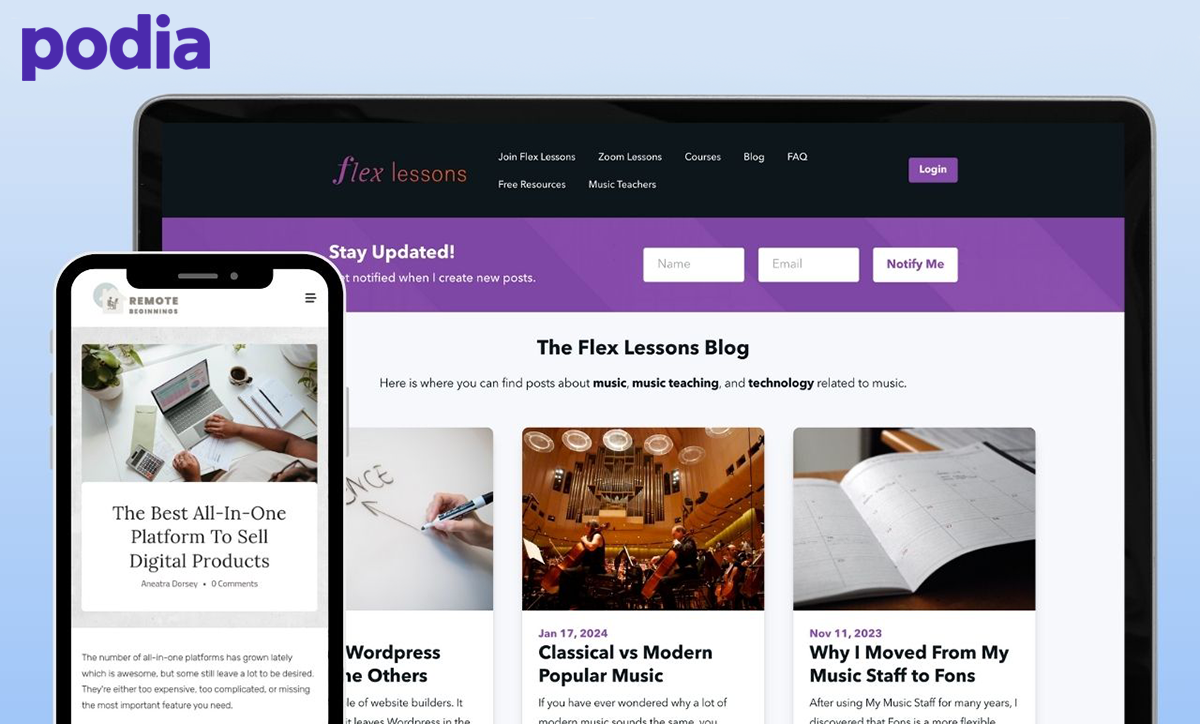
Podia launched as an online course platform before expanding into a full digital-commerce ecosystem built to help creators sell nearly anything—from downloads and coaching to community memberships and webinars.
Its mission has always been clear: make digital selling as beginner-friendly as possible while keeping everything in one tightly packaged platform.
Over time, Podia added tools like email marketing, blogging, community spaces, and affiliate management, positioning itself as an all-in-one dashboard for digital entrepreneurs.
Today, Podia is a solid choice for creators who want simplicity and speed over deep customization.
Before jumping in, though, let’s look at the features that make Podia stand out, and the areas where you might want something stronger.
What Makes Podia Stand Out?
Instead of stitching together separate apps for marketing, community spaces, and course content, Podia gives you a centralized workflow that helps you grow your brand with fewer moving parts.
If you're building a creator business that needs reliable tools for communication, education, and monetization, these standout features show where Podia delivers.
Digital Product & Course Selling
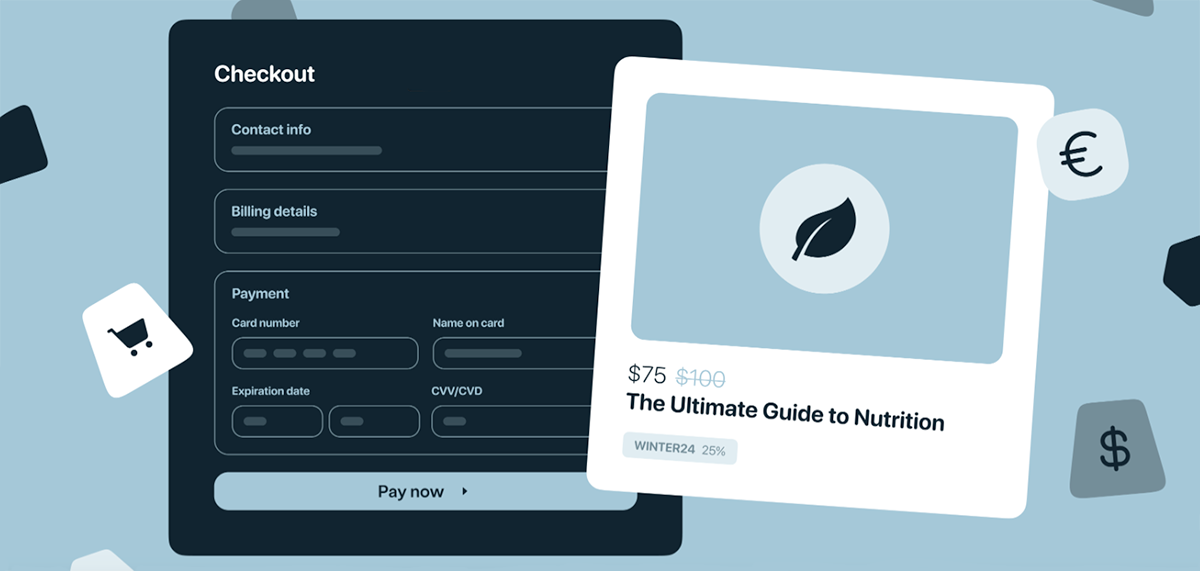
Podia makes selling digital products incredibly simple, offering a clean dashboard where creators can upload ebooks, PDFs, audio files, webinars, and more with ease.
You can price your offers, add upsells, and schedule pre-launch pages without needing any technical knowledge.
For creators looking for a fast path to monetization, Podia offers one of the easiest workflows for selling online.
Online Course Builder
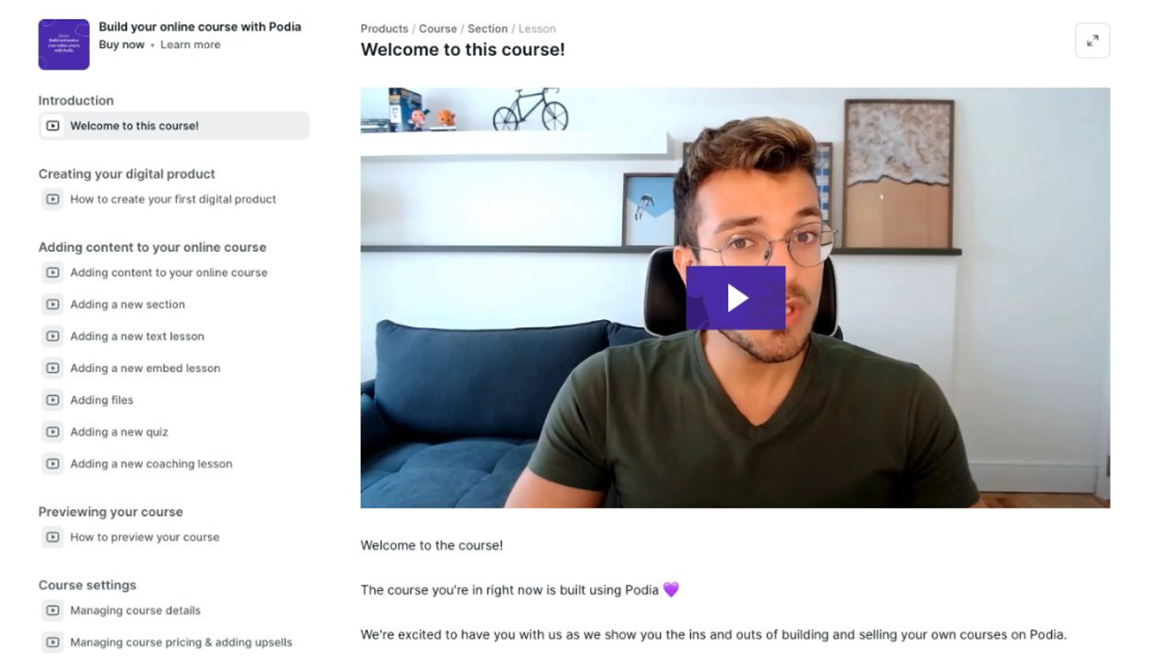
As an online course platform, Podia shines with its minimalist, easy-to-use course editor that lets you build lessons, sections, and multimedia content in minutes.
You can add videos, quizzes, and embeds without touching code, making it ideal for trainers or educators who don't need advanced SCORM tools or student tracking features.
While it’s not as robust as LearnWorlds or other LMS competitors, it’s perfect for creators who value speed over complexity.
Website & Blog Builder
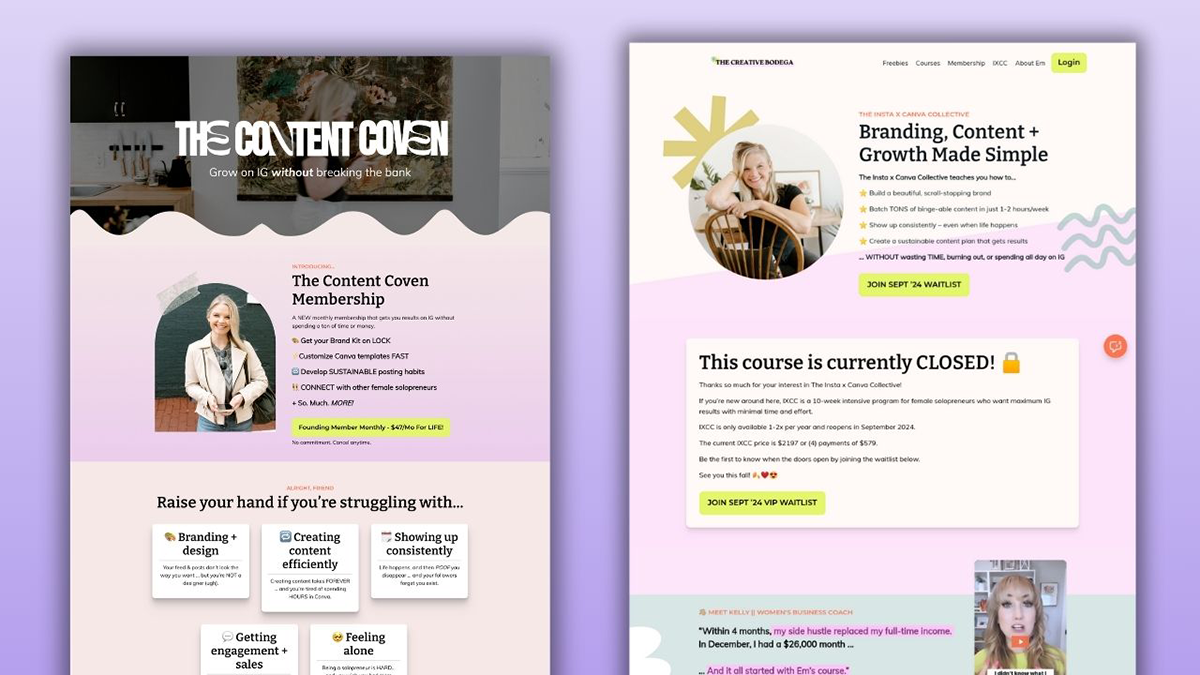
Podia’s no-code website builder gives you a customizable storefront that’s clean, mobile-responsive, and quick to launch.
You can create landing pages, sales pages, and blog posts, even import blogs from WordPress, without learning design software.
Though it offers limited customization compared to more advanced builders, it’s perfect for creators who want a simple, user-friendly home base for their products and community.
Community Membership Tools
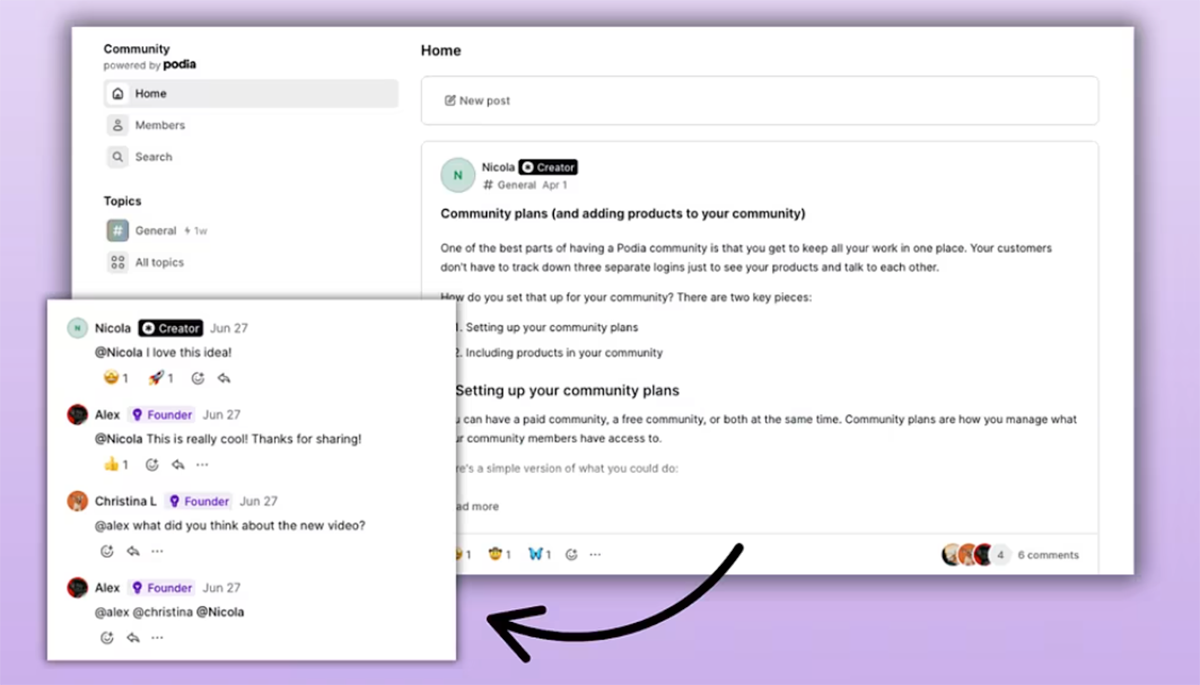
With Podia’s community features, you can build free or paid memberships with discussion posts, topics, and bundled access to your digital products.
The setup is great for creators who want a lightweight, text-forward community space without the complexity of platforms like Mighty Networks.
Tiered plans make it easy to monetize your community and bundle perks with your courses or downloads.
Built-In Email Marketing
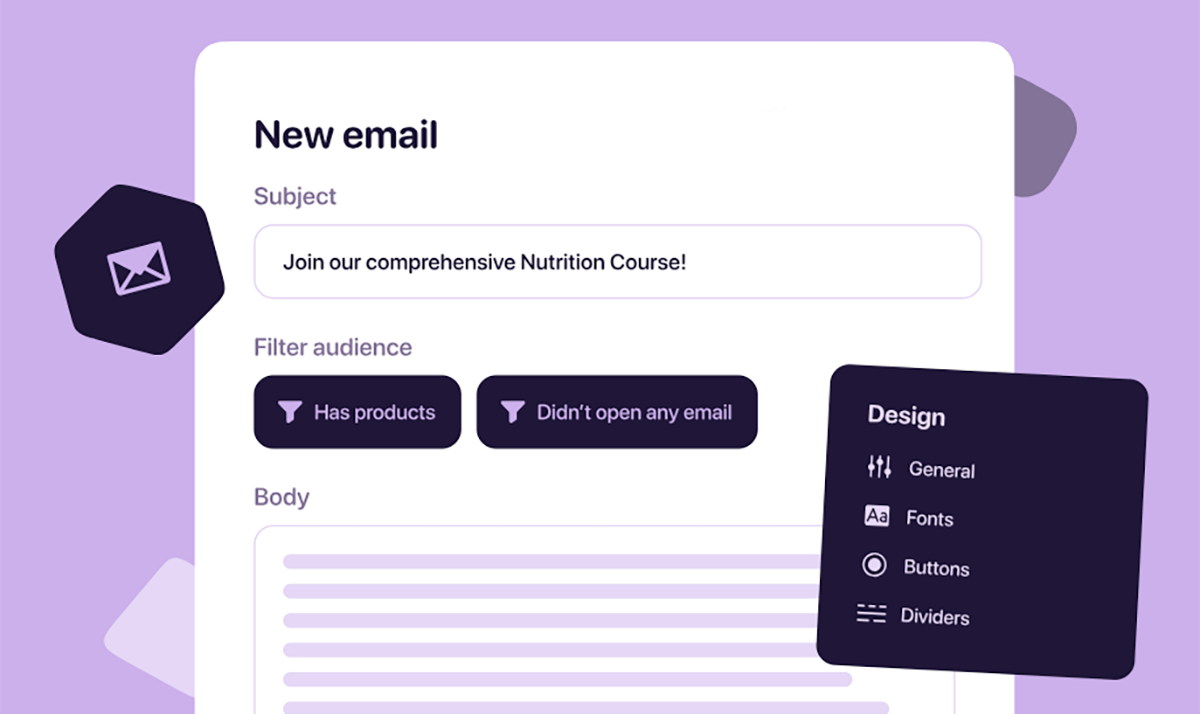
Podia includes built-in email marketing tools that let you send broadcasts, automate email campaigns, and track revenue all without connecting to a separate service.
Its email editor is simple, but powerful enough for creators who want to run everything from one place.
While it doesn't have the advanced segmentation or automation of dedicated email tools, it's perfect for beginners who don’t want extra subscriptions.
Webinar & Coaching Tools

Podia’s webinar tools let you sell access to live sessions through Zoom or YouTube Live, complete with automated reminders and replay hosting.
You can also create coaching products using integrations with Calendly or other booking tools, making Podia a strong platform for service-based creators.
If you monetize live experiences, this feature keeps everything neatly in your dashboard.
Affiliate Marketing Dashboard
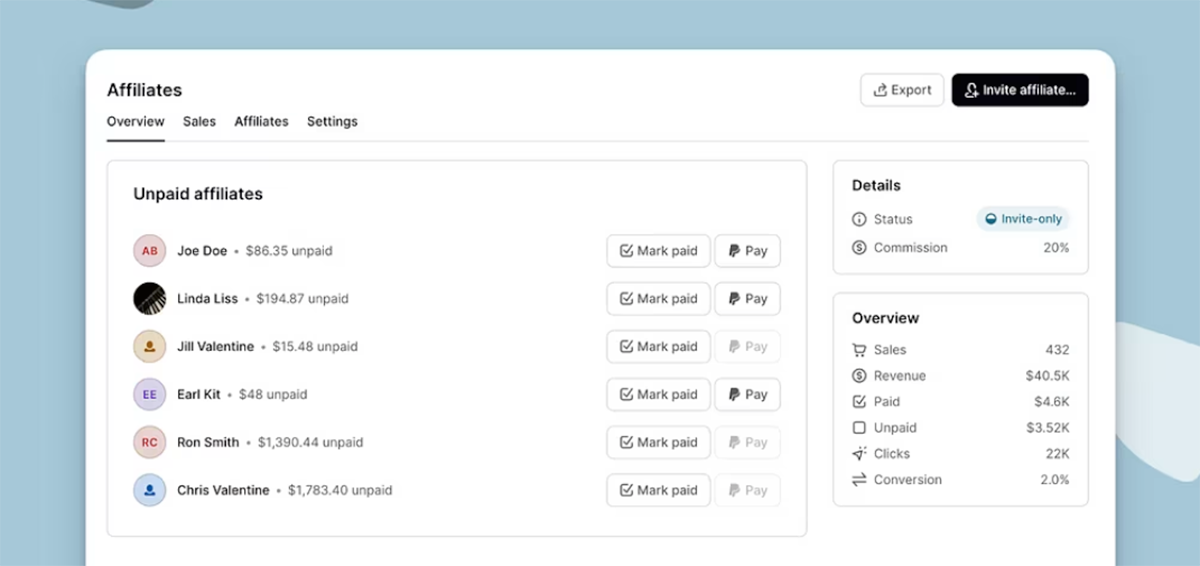
Podia’s built-in affiliate marketing dashboard gives you everything you need to run an affiliate program without third-party software.
Affiliates get unique links, and Podia handles tracking, conversions, and payouts automatically. It’s a huge plus for creators who rely on referrals or want to expand their reach without spending on ads.
Pricing
Podia’s pricing model is one of its strongest selling points, offering three growth-friendly plans—Mover ($39/mo), Shaker ($89/mo), and Earthquaker ($199/mo)—with no transaction fees.
Even the lower tiers offer unlimited products, making it a high-value option for creators who sell many digital products.
Higher plans unlock features like bundles, webinars, live chat, and advanced marketing tools, and the free trial makes it easy to test everything before committing.
Why You Might Want a Podia Alternative
Podia covers the basics well, but creators with bigger goals, more complex programs, or stronger branding needs often outgrow its limitations quickly.
If you’re building a long-term business around memberships, online courses, or digital product sales, these gaps can impact your monetization strategy and overall growth plan.
🎨 Limited Customization
Podia’s clean, user-friendly setup comes with limited customization, especially for creators who want complete control over branding.
The site builder is grid-restricted, offers minimal layout flexibility, and only allows custom CSS on its highest-tier growth plan.
If you want a fully customizable storefront similar to WordPress or a marketplace-grade platform for selling, Podia may feel too restrictive.
🛍️ No Native Support for Physical Products
Because Podia is strictly a digital platform for selling online products, there's no built-in way to offer physical goods, merch, or print-on-demand items. Creators must rely on an external platform for selling tangible products, which splits your audience experience and complicates your workflow. If your business model blends digital and physical sales, this is a major drawback compared to alternatives like Fourthwall or Shopify.
🧑🏻🏫 Basic Course Features
Podia works fine for simple course delivery, but it falls short as a full online course platform.
You won’t find advanced assessments, grading systems, SCORM support, or ways to track student progress—features that platforms like LearnWorlds, Thinkific, and Kajabi offer.
For trainers or creators building high-volume educational programs, Podia’s learning platform feels too limited.
📲 No Mobile App
Podia doesn’t offer a mobile app for creators or members, meaning you can’t manage your business on the go, and learners can’t easily consume content on iOS or Android.
In a world where community platforms and LMS tools increasingly rely on mobile engagement, this missing feature can affect both retention and revenue.
Competing platforms like Uscreen, Mighty Networks, and Fourthwall have already made mobile experiences a priority.
💳 Very Limited Payment Options
Podia only supports Stripe and PayPal, which creates friction for global audiences who rely on regional payment gateways.
This limitation impacts creators with international customers and reduces flexibility for different monetization models.
If diverse payment options are essential to your business, you’ll need a more versatile online selling platform.
Overall Thoughts
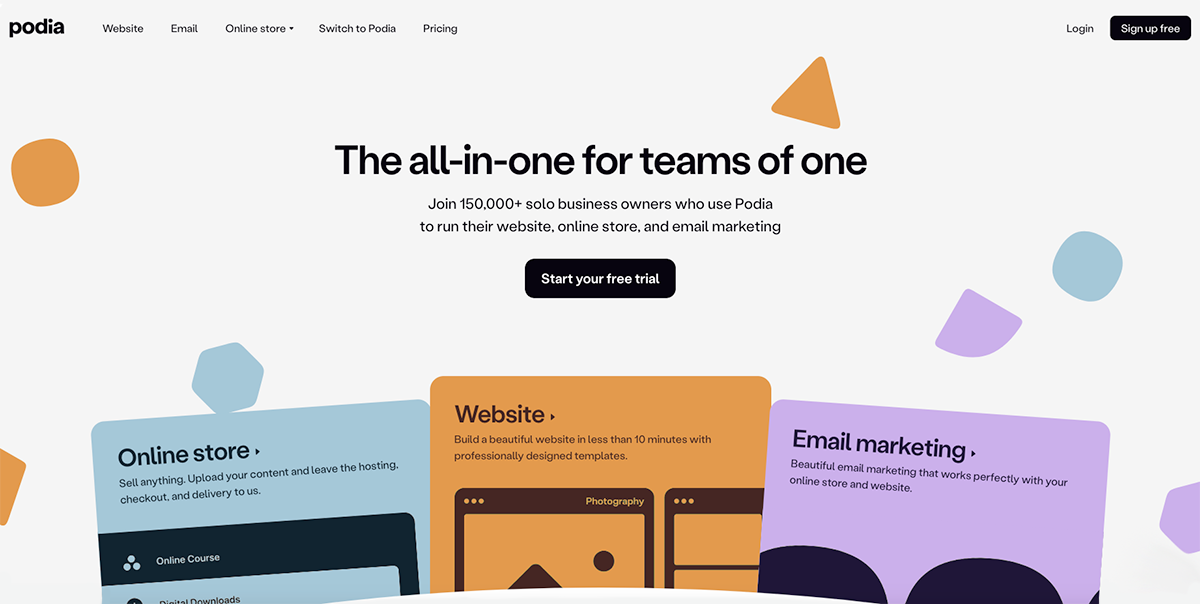
Podia is one of those platforms that genuinely nails the “getting started” phase.
If you’re a creator who wants an all-in-one platform without having to wrestle with tech, Podia feels refreshing—almost like the platform is rooting for you to launch faster.
Its pricing is fair, its interface is user-friendly, and it gives you enough marketing and product tools to start monetizing right away.
That said, Podia’s charm starts to fade as your business evolves.
The lack of deep customization, limited community features, and the absence of physical product support can become real roadblocks when you’re trying to build a more polished brand platform.
And if you’re planning to scale into advanced courses, blended learning, mobile app access, or larger communities, Podia simply doesn’t keep up with stronger alternatives.
So is Podia right for you?
Well, if you’re early in your journey and want a clean, uncomplicated platform to build your online business, Podia is absolutely worth trying.
But if you're building a whole brand, one that needs richer community tools, more flexible monetization options, or the ability to scale into merch, apps, and premium course experiences, you’ll likely outgrow Podia and benefit from a more robust all-in-one platform.
Top Podia Alternatives for Selling Online Courses & Digital Products
Below are the top membership and creator platforms to consider if you want more flexibility, better features, or stronger monetization options than Podia.
1. Fourthwall
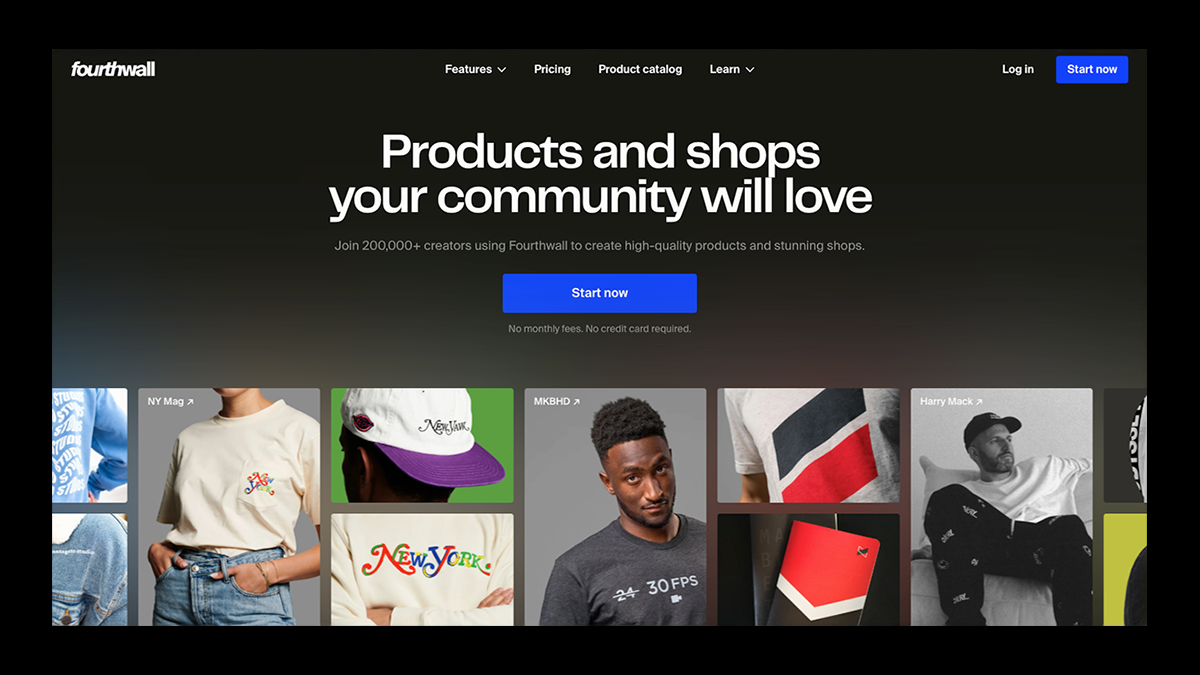
Looking for a platform to get your online business off the ground and booming? Then Fourthwall is the best option for you!
It’s built for creators who want their entire business (memberships, digital products, online courses, exclusive videos, podcasts, and even physical merch) to live under one beautifully branded roof.
The platform offers a customizable website, private video hosting, fan messaging, paywalled posts, and a digital library system that works seamlessly for course creators and educators.
Unlike Podia, Fourthwall also includes a professional-grade print-on-demand merch catalog, automated fulfillment, and deep integrations with YouTube, TikTok Shop, Twitch, and Discord—making it a powerhouse for creators who want to monetize across multiple channels without juggling tools.
It also features a full suite of marketing tools with integrations for Zapier, Kit (formerly ConvertKit), Klaviyo, Mailchimp, and beehiiv, making automated email campaigns and audience growth effortless.
Add in its fully branded mobile app, and you get a community and commerce ecosystem that grows with you, not against you.
💰 Pricing
- Free Plan: $0/month — 5% fee on digital products and memberships, 0% fees on physical merch, website builder, storefront, digital downloads, tipping, fully branded mobile app, and integrations included.
- Pro Plan: $19/month or $180/year — 0% fees on digital sales, free custom .store domain, $10 monthly merch sample credit, advanced analytics + unlimited team members, and priority creator support.
✅ Pros
- Fully customizable creator website + all-in-one storefront
- Membership tiers with exclusive posts, videos, courses, and perks
- Sell unlimited digital products (eBooks, templates, presets, art, videos, etc.)
- Automated print-on-demand merch with high-quality fulfillment
- 0% fees on physical merch—even on the free plan
- Integrated donations, tips, fan messaging, and email tools
- Deep integrations with TikTok Shop, YouTube, Twitch, and Discord
- Branded mobile app available with Fourthwall Memberships
❌ Cons
- More feature-rich than Podia, which means slightly more setup
- Not ideal for creators who want an ultra-simple, membership-only setup without additional tools
2. Mighty Networks
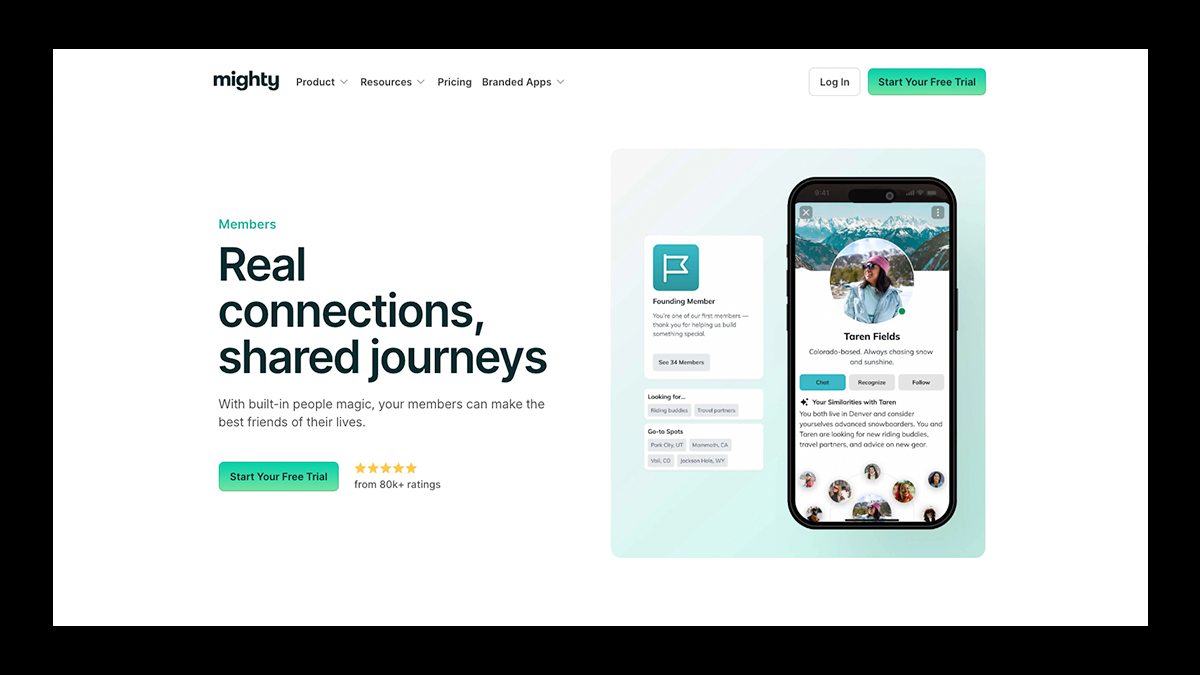
If you want your community to feel like a buzzing, always-on social ecosystem instead of a quiet comment thread, Mighty Networks is where your membership truly comes to life.
Mighty Networks is built for creators who want an immersive, interaction-heavy membership experience—one where members don’t just subscribe, but actively participate.
The platform brings groups, courses, livestreams, events, and community discussions together in one branded environment, eliminating the need for scattered Facebook groups or Discord servers.
Members can join conversations, take courses, attend workshops, and participate in challenges, all from one space designed to keep engagement high.
And for creators who want something even more premium, Mighty Networks offers a fully white-labeled mobile app that puts your brand directly in your members' hands.
💰 Pricing
- Community Plan: $49/month — Build a centralized community hub with groups, events, posts, livestreaming, payments, and member management.
- Courses Plan: $129/month — Ideal for creators running both communities and structured online courses, including cohort-based learning and interactive engagement tools.
- Business Plan: $229/month — Unlocks more customization, deeper analytics, advanced marketing tools, and expanded automation.
- Growth Plan: $430/month — Designed for scaling communities that need premium analytics, branded mobile app access, and higher livestream or member limits.
- Mighty Pro: Custom Pricing — A fully custom, white-labeled mobile app experience with enterprise-level features and strategic support.
✅ Pros
- Industry-leading community engagement tools—posts, polls, livestreams, events, challenges, and more
- Built to foster daily interaction, not just passive memberships
- Supports online courses, cohort learning, and hybrid community/course models
- Option for a fully branded mobile app that provides a true “premium” member experience
- Acts as a dedicated home base for communities moving away from social platforms
❌ Cons
- More expensive than lightweight membership platforms like Podia or Memberful
- Not designed for selling merch, digital downloads, or running a print-on-demand shop
- Course builder is solid, but not as advanced as LMS platforms like Kajabi or Thinkific
3. EzyCourse
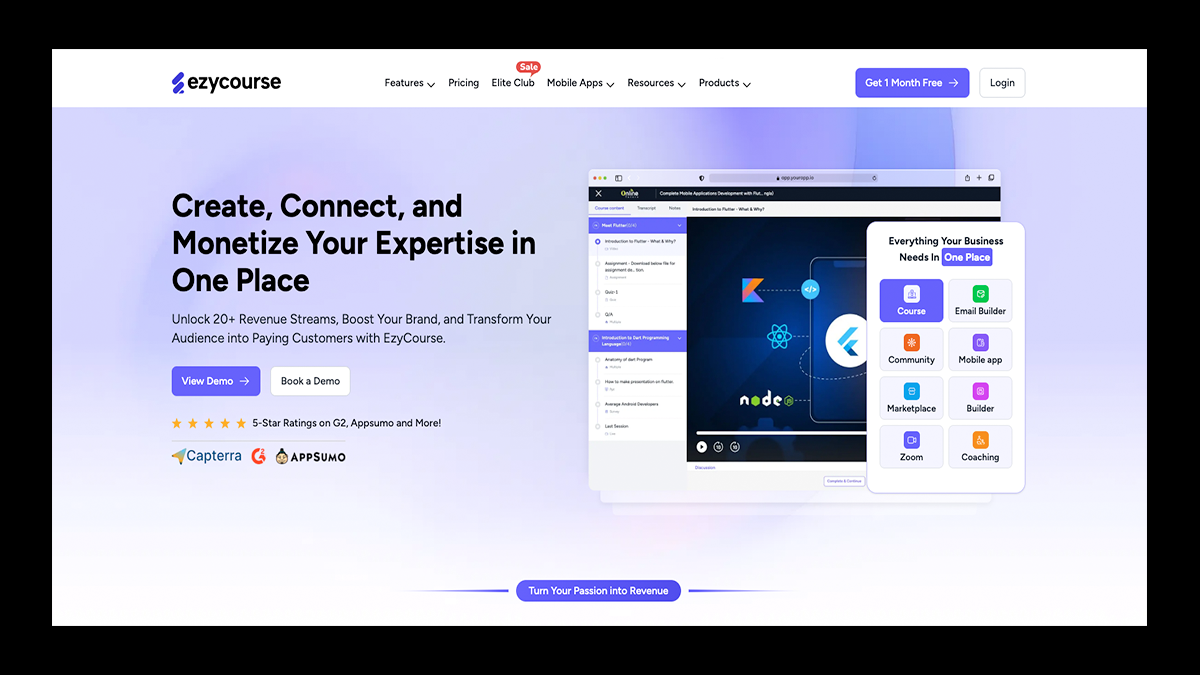
Some platforms help you build courses. EzyCourse helps you build an entire learning universe.
Designed for creators, educators, and businesses that want more depth and control than Podia provides, EzyCourse blends a powerful LMS with membership tools, dynamic communities, eCommerce functionality, and full white-label customization.
It supports multimedia lessons, advanced quizzes, private and group chats, appointment scheduling, and even physical product sales, giving creators an all-in-one ecosystem that feels more like a digital campus than a simple course builder.
With native Android/iOS apps, a drag-and-drop site builder, robust automation, and built-in marketing tools, EzyCourse appeals to creators who love Podia’s simplicity but want a far more customizable platform as they grow.
💰 Pricing
- Essential Plan: Starts around $97/month — Unlimited courses, custom pages, mobile app access, drip content, communities, basic automations, and 10,000 monthly marketing emails.
- Pro Plan: $129/month — Adds advanced analytics, gamification, premium support, multiple communities, affiliate program features, advanced quizzes, video libraries, and white-label email tools.
- Unlimited Plan: $189/month — Unlimited communities, unlimited video libraries, private chats, multi-currency support, DRM, unlimited coaching programs, advanced automations, and expanded email limits.
- Elite Plan: $279/month — Offers white-label mobile apps, enterprise-grade analytics, dedicated support, massive email capacity, unlimited roles, and all future platform add-ons included.
✅ Pros
- Stronger site customization and white-label branding than Podia
- Flexible LMS tools with advanced quizzes, gamification, and grading
- Built-in communities, group chats, and private messaging
- Supports both digital and physical product sales
- Native Android/iOS mobile apps for creators and students
- Full marketing suite: email automation, segmentation, retargeting, notifications
- Excellent value for creators who want an all-in-one platform with real scalability
❌ Cons
- Smaller integration library compared to bigger platforms like Kajabi
- UI feels slightly less refined than major competitors
- It can feel overwhelming due to the sheer number of features
4. Sellfy
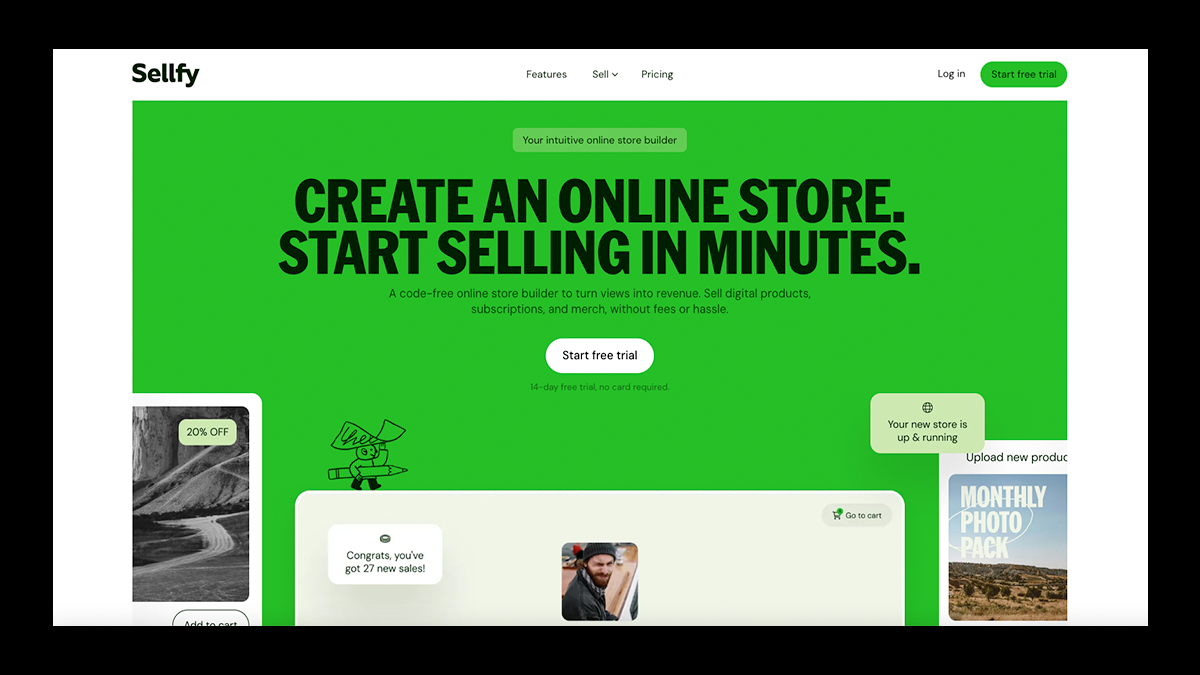
Sellfy is the kind of platform creators turn to when they want a shop that looks polished, runs smoothly, and sells multiple product types without extra hassle.
Rather than functioning as a course platform or community hub, Sellfy focuses entirely on providing creators with a powerful storefront where digital goods, subscriptions, physical merchandise, and built-in print-on-demand items can coexist effortlessly.
Everything about Sellfy is designed to help you present your brand professionally, from clean store themes to your own domain and simple product management tools.
On top of that, Sellfy adds smart revenue boosters such as automated emails, discount codes, upsells, abandoned cart recovery, and an affiliate program, making it a strong choice for creators who want reliable eCommerce tools without unnecessary complexity.
💰 Pricing
- Starter Plan: $22/month — Up to $10K yearly sales, unlimited digital and POD products, customizable storefront, starter email marketing tools.
- Business Plan: $59/month — Up to $50K yearly sales, cart recovery, upsells, affiliate features, advanced email tools, and removal of Sellfy branding.
- Premium Plan: $119/month — Up to $200K yearly sales with priority support, enhanced customization, and full migration help for your store.
✅ Pros
- Straightforward storefront designed for selling both digital and physical products
- Native print-on-demand catalog with automatic fulfillment
- Strong marketing suite: email campaigns, promo tools, upsells, affiliate system
- Custom domains and easy store-theming for clean branding
- Quick setup with minimal tech required
❌ Cons
- Not equipped for course creation or community-based memberships
- Smaller POD assortment compared to dedicated print providers
- Traffic generation falls entirely on the creator
5. Gumroad
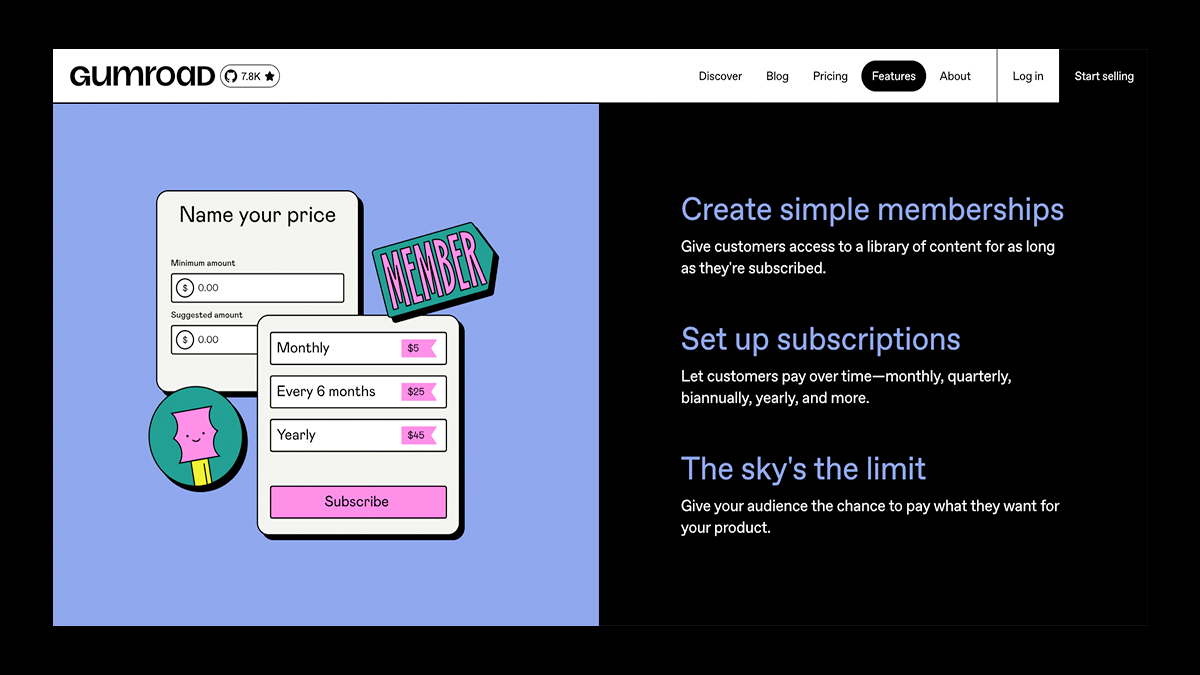
Gumroad has long been the go-to platform for creators who want to upload a product and start selling almost instantly, without building a full storefront or learning complicated software.
It supports everything from eBooks and templates to audio files, art downloads, tutorials, simple courses, and even lightweight physical products, all delivered automatically at checkout.
Gumroad’s intentionally minimalist design makes it ideal for creators who value speed and simplicity above all else: you sign up, upload your files, set a price (or use pay-what-you-want), and begin earning within minutes.
It also handles memberships, subscriptions, VAT, email updates, and follower notifications, giving you just enough infrastructure to run a small digital storefront without any extra tech.
💰 Pricing
- Free Plan: $0/month — Pay only when you make a sale. 10% fee for new sellers (drops to 3.5% once you pass $1,000 in lifetime earnings).
✅ Pros
- Lightning-fast setup—launch a product in minutes
- Automatic delivery for digital files, courses, and content
- Supports memberships, subscriptions, and pay-what-you-want pricing
- Built-in email updates for keeping followers engaged
- Great for creators selling eBooks, templates, music, tutorials, and art
- No monthly fees, ideal for lean or experimental creators
❌ Cons
- Very limited storefront customization or branding control
- No native print-on-demand or advanced eCommerce tools
- Higher fees for beginners or high-volume sellers
- Physical product fulfillment requires manual management
6. Uscreen
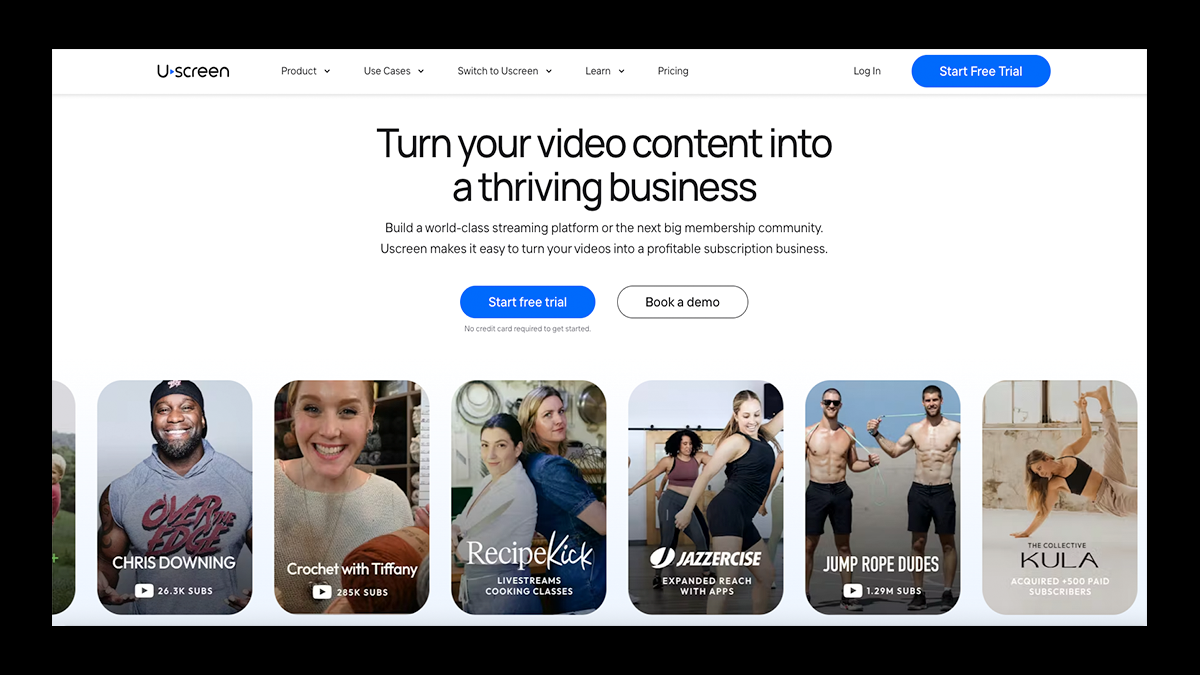
Uscreen is what you get when you take a creator platform and supercharge it with the power of a full streaming service.
Designed for video-first creators (fitness coaches, educators, entertainers, and media brands), Uscreen blends professional-grade video hosting with subscription management, live streaming, and community engagement tools.
You can build Netflix-style video catalogs, sell subscriptions or pay-per-view access, run rentals, and even host live events—all inside your own beautifully branded website and native mobile/TV apps.
What really sets Uscreen apart from Podia is its focus on sustainability: marketing automations, detailed analytics, retention tools, and push notifications help creators turn casual viewers into recurring revenue.
For anyone building a premium video membership business, Uscreen delivers one of the most advanced ecosystems available.
💰 Pricing
- Growth Plan: $149/month + $1.99 per subscriber — Includes unlimited bandwidth, 100 hours of storage, branded site, one live streaming hour, chat/email support, and a full streaming catalog layout.
- App Essentials Plan: $449/month + $0.99 per subscriber — Adds onboarding/migration support, two fully branded mobile apps, and add-ons for extended analytics, extra storage, and live streaming capabilities.
- Custom Plan: Contact Sales + $0.99 per subscriber — Includes full white-label branding, up to five smart TV apps (Roku, Fire TV, Apple TV, etc.), advanced analytics, API access, and VIP enterprise-grade support.
✅ Pros
- Professional video hosting, memberships, community tools, and live streaming in one platform
- Multiple monetization models: subscriptions, rentals, pay-per-view, donations, bundles, and group access
- Fully branded mobile and TV apps across iOS, Android, Roku, Fire TV, and Apple TV
- Strong analytics for tracking retention, subscriber growth, watch time, and revenue
- Marketing automations: email broadcasts, promo codes, gift cards, push notifications
❌ Cons
- More expensive than creator-first platforms like Fourthwall or Podia
- Subscriber fees can grow quickly for high-volume channels
- Live streaming tools aren’t ideal for complex multi-guest setups
- Limited embedding options for hosting videos outside of the Uscreen ecosystem
7. Kajabi
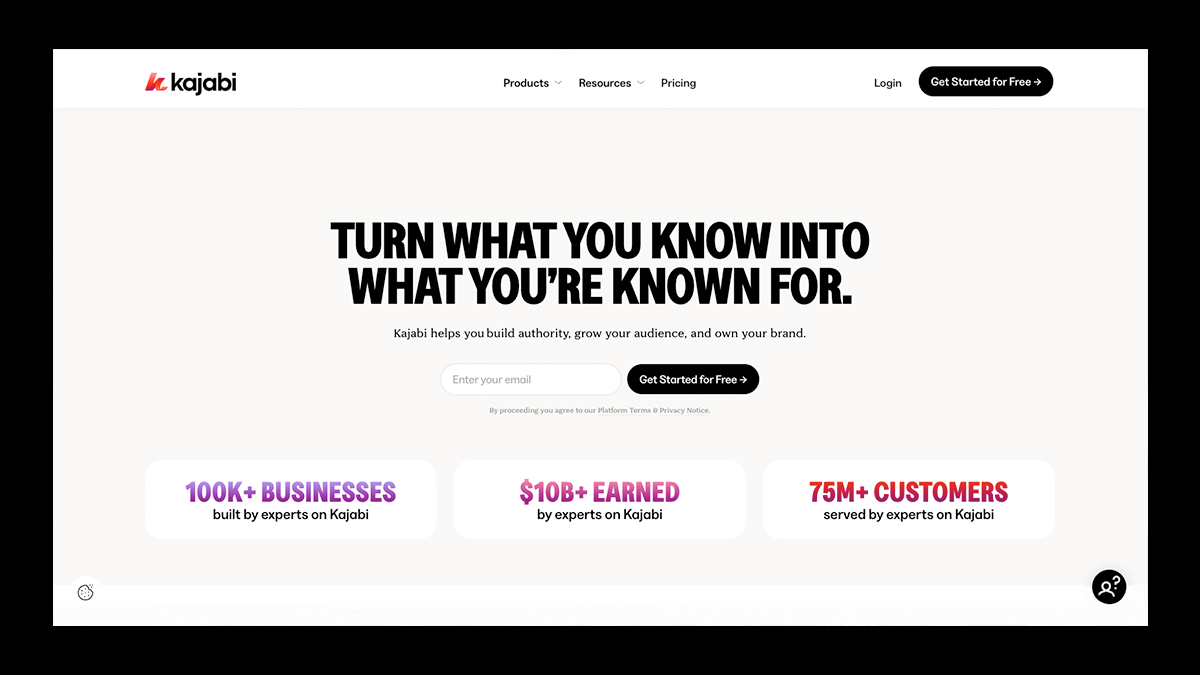
Unlike Podia, which focuses on simplicity, Kajabi is engineered for creators who want to build premium course experiences, automate their entire marketing pipeline, and run a polished product ecosystem without stitching together outside tools.
Everything lives inside one high-end dashboard: courses, coaching programs, memberships, landing pages, sales funnels, analytics, and email marketing.
Kajabi’s real power comes from its automation engine, allowing creators to build multi-step workflows that onboard students, nurture leads, segment subscribers, and increase conversions, all without touching a third-party app.
For coaches, educators, and entrepreneurs who want enterprise-level structure in a creator-friendly package, Kajabi stands in a league of its own.
💰 Pricing
- Basic: $149/month — Includes essential automations, email marketing tools, a full LMS, landing pages, and everything needed to launch your first premium product.
- Growth: $199/month — Adds advanced automations, more products and funnels, higher contact limits, and access to the affiliate program—ideal for scaling creators.
- Pro: $399/month — Designed for established brands managing multiple websites, large student bases, or growing teams, with deeper customization options included.
- Enterprise / Plus (Branded App): Custom Pricing — Unlocks Kajabi’s full suite, including your own branded mobile app, priority support, and white-glove onboarding.
✅ Pros
- Replaces the need for separate tools for courses, email marketing, funnels, landing pages, and automations
- Powerful LMS with quizzes, assessments, drip schedules, coaching tools, and cohort-based learning
- Built-in podcast hosting, upsells, subscriptions, and membership features
- Polished mobile app and reliable hosting infrastructure
- Strong analytics and 24/7 support for creators growing quickly
❌ Cons
- One of the highest price points among creator platforms
- Limited design freedom on lower-tier plans
- Less community-focused compared to Mighty Networks or Fourthwall
- Overkill for creators who only need basic content gating or simple memberships
8. Thinkific
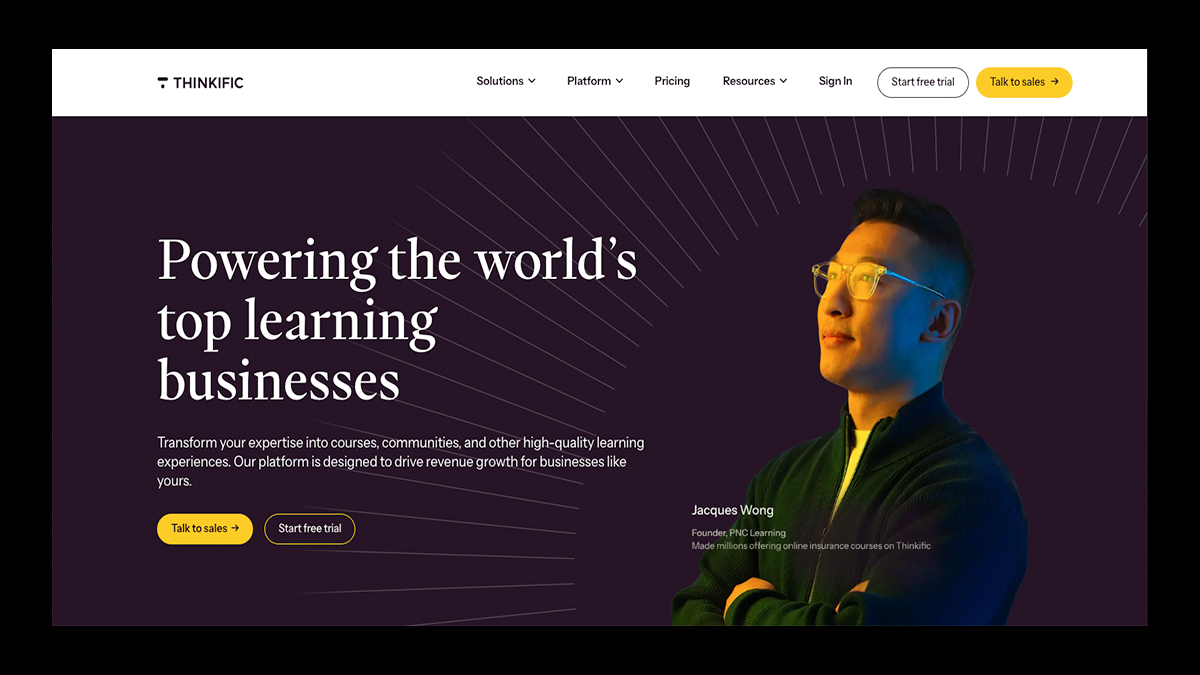
Thinkific is where your expertise stops being “content” and becomes a fully structured learning experience.
Built specifically for educators, coaches, and creators who want to design polished online courses, Thinkific prioritizes teaching tools over creator “extras,” making it one of the strongest academic-style LMS platforms available.
Its drag-and-drop builder, native video hosting, and professional landing page templates make it easy to create clean, cohesive learning environments without writing a single line of code.
You can layer in quizzes, assignments, certificates, discussion forums, downloadable resources, and even membership bundles—giving students a guided, intentional journey Podia simply can’t replicate.
For creators who need strong assessments, student tracking, and classroom-style organization, Thinkific delivers a level of structure and depth that stands out.
💰 Pricing
- Basic Plan: $36/month (or $49/month billed monthly) — Unlimited courses with video lessons, quizzes & student discussions, 1 community with DMs and weekly digests, 5 digital downloads (ebooks, templates, workbooks, etc.), reporting & analytics for audience and revenue insights, and custom domain support.
- Start Plan: $74/month (or $99/month billed monthly) — Unlimited live events & coaching sessions (Zoom integration), certificates, assignments & compliance features, advanced sales tools: bundles, post-purchase upsells, payment plans, membership & subscription programs, and customizable site design with HTML/CSS.
- Grow Plan: $149/month (or $199/month billed monthly) — 3 communities for segmenting your audience, full white-labeling across pages, products, and emails, enhanced analytics with enrollment & engagement insights, API & webhook access for advanced integrations, and phone support + priority chat.
- Thinkific Plus: Custom Pricing — Unlimited users and products SCORM-compliant courses, advanced analytics with custom dashboards & automated exports, CRM integrations (HubSpot, Salesforce), and priority email, phone & chat support.
✅ Pros
- Robust course builder with quizzes, certificates, student tracking, and structured assessments
- Clean, user-friendly interface designed specifically for teaching
- No-code landing page templates and polished course layouts
- Supports memberships, bundles, upsells, and multi-course programs
- Reliable platform for larger student communities or long-term educational programs
❌ Cons
- Not a full all-in-one platform—marketing and email tools are limited
- No native live streaming or OTT-style app support
- Some advanced features require higher-tier plans or add-ons
- Less suited for creators prioritizing fan engagement, entertainment content, or livestream-based communities
9. MemberPress
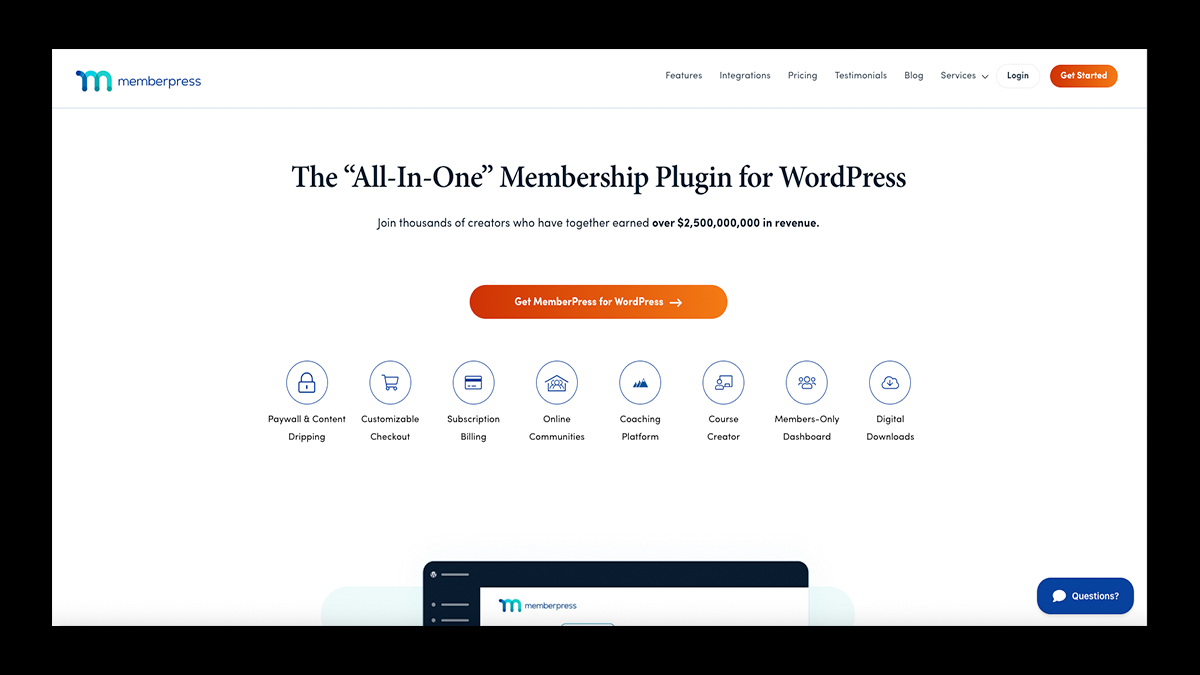
There’s something undeniably powerful about running your membership site on land you actually own, and that’s exactly where MemberPress shines.
Built as a premium WordPress plugin, MemberPress turns any WordPress site into a customizable membership ecosystem with locked content, drip schedules, digital downloads, subscriptions, and detailed access rules.
It’s a dream setup for creators who care about total design freedom, advanced membership logic, and the long-term control that comes with self-hosting.
While it doesn’t have Podia’s plug-and-play simplicity, MemberPress easily surpasses it in flexibility, structure, and customization—especially for creators who already live inside the WordPress universe.
💰 Pricing
- Launch Plan: $199.50/year (normally $399/year) — Includes ReadyLaunch™ setup + affordable pricing, unlimited courses, lessons & members, drag-and-drop curriculum builder, full subscription management, and content protection + flexible coupon system, and priority customer support.
- Growth Plan: $349.50/year (normally $699/year) — Everything in Launch, plus: 0% transaction fees, ClubSuite™ community tools, complete CoachKit™ coaching platform, advanced LMS features, professional commerce upgrades, priority support.
- Scale Plan: $499.50/year (normally $999/year) — Everything in Growth, plus: Easy Affiliate™ platform included, automation & scaling engine, developer tools + REST API, Zapier integration, revenue optimization, enterprise features, and top-rated customer support.
✅ Pros
- Complete control of your membership site’s design, structure, and branding
- Advanced rule-based access permissions and drip content scheduling
- Deep integration potential with the entire WordPress ecosystem
- Built-in tools for subscription renewals, failed payment handling, and automated member access updates
❌ Cons
- Requires additional hosting, plugins, and occasional tech maintenance
- Setup is more hands-on compared to all-in-one platforms like Podia
10. LearnWorlds

LearnWorlds is what happens when an online course platform decides it wants to feel more like a digital academy than a basic lesson hub.
From the moment you start building, it’s clear this platform was designed for educators who want depth, with interactive videos, SCORM lessons, advanced assessments, certificates, and detailed learner analytics that all work together to create a genuinely immersive experience.
Instead of simple uploads and static modules, LearnWorlds lets you craft dynamic learning paths with hotspots, quizzes, eBooks, and auto-generated transcripts that keep students engaged and progressing.
For creators who take teaching seriously and want far more power than Podia’s lightweight course tools can offer, LearnWorlds stands out as a top-tier alternative.
💰 Pricing
- Starter: $24/month — Unlimited paid courses, a simple 3-page website, and a $5/course enrollment fee.
- Pro Trainer: $79/month — Adds interactive video, SCORM support, affiliates, certificates, and live classes.
- Learning Center: $249/month — Full white-label branding, advanced analytics, learner segmentation, and premium course-building features.
✅ Pros
- Industry-leading tools for structured, professional online learning
- Highly interactive video and assessment features
- Excellent branding control with customizable templates and white-label options
- Robust monetization options, including subscriptions, bundles, installment plans, and custom pricing models
- Powerful built-in analytics, with insight into learner behavior, course performance, and revenue trends
❌ Cons
- More complex and technical than beginner-friendly course platforms
- Not ideal for simple digital downloads or basic membership setups
Build Your Creator Universe With Fourthwall
Choosing the right membership or digital product platform comes down to one thing: finding the platform where your business can actually grow without hitting limits six months down the line.
Podia is a solid starting point, but as you've seen, there are platforms like Fourthwall that give creators far more room to build, diversify, and truly own their brand.
Whether you're selling videos, courses, memberships, or physical merch, Fourthwall brings everything together under one beautifully branded home without stacking fees or juggling apps.
If you're ready to level up your creator business with tools built for real, long-term growth, there’s no better time to make the switch.
Start your Fourthwall journey today and create the kind of platform your audience will want to return to again and again.
FAQ: Podia Alternatives
What is Podia, and who is it best suited for?
Podia is an all-in-one online course platform built for creators who want an easy-to-use hub for selling digital products, memberships, and coaching services.
It’s especially beginner-friendly thanks to its simple editor, built-in email marketing, and no-code website tools. If you want to launch fast without customizing every pixel, Podia is a solid starting point.
Why would a creator need a Podia alternative?
Many creators outgrow Podia once they need deeper customization, stronger LMS features, physical product sales, or better community tools.
Its limited branding options, basic course assessments, and lack of a mobile app can slow down long-term growth.
If you plan to scale revenue with memberships, bundles, or advanced marketing, upgrading to a more flexible platform is often necessary.
What platform is most similar to Podia but more powerful for scaling?
Fourthwall is the closest “all-in-one” alternative—but with far more tools for creators who sell multiple product types.
It supports digital downloads, online courses, exclusive videos, memberships, fan messaging, and even fully automated print-on-demand merch—all in one branded home.
Plus, the Pro Plan removes fees on digital sales and includes marketing integrations that Podia lacks.
Which Podia alternative is the best for online courses and interactive learning?
LearnWorlds and Thinkific are top choices for educators who need advanced LMS tools like quizzes, assignments, certificates, grading, SCORM support, and interactive video.
These platforms go far beyond Podia’s basic quiz system, making them ideal for trainers who want a structured learning platform with detailed student analytics.
If your digital classroom requires depth, these are the strongest fits.
Matt Keyser is a writer at Fourthwall who lives at the intersection of social media and Creator culture. With 4+ years of experience covering industry trends, his work focuses on helping Creators and brands understand how to turn their passion into a thriving business while maintaining a constant pulse on the latest eCommerce and social media trends.


You might also like

8 Best TeePublic Alternatives for Artists in 2026

9 Best Printify Alternatives for Print-on-Demand in 2026

8 Best Spring (Teespring) Alternatives for Creators After Its Shutdown

30 Best Print on Demand Products for Creators in 2026 (From Tees to Plushies)

9 Best Kajabi Alternatives for Course Creators in 2026

What to Sell Online: How to Find a Product People Want

8 Best Spreadshirt Alternatives for Print-on-Demand in 2026

7 Best Sellfy Alternatives for Creators and Brands in 2026

27 Best Digital Products to Sell as a Creator

Keep up with the latest from Fourthwall
New features, product updates, trend breakdowns, and creator stories — straight to your inbox.