The Best YouTube Video Editing Services
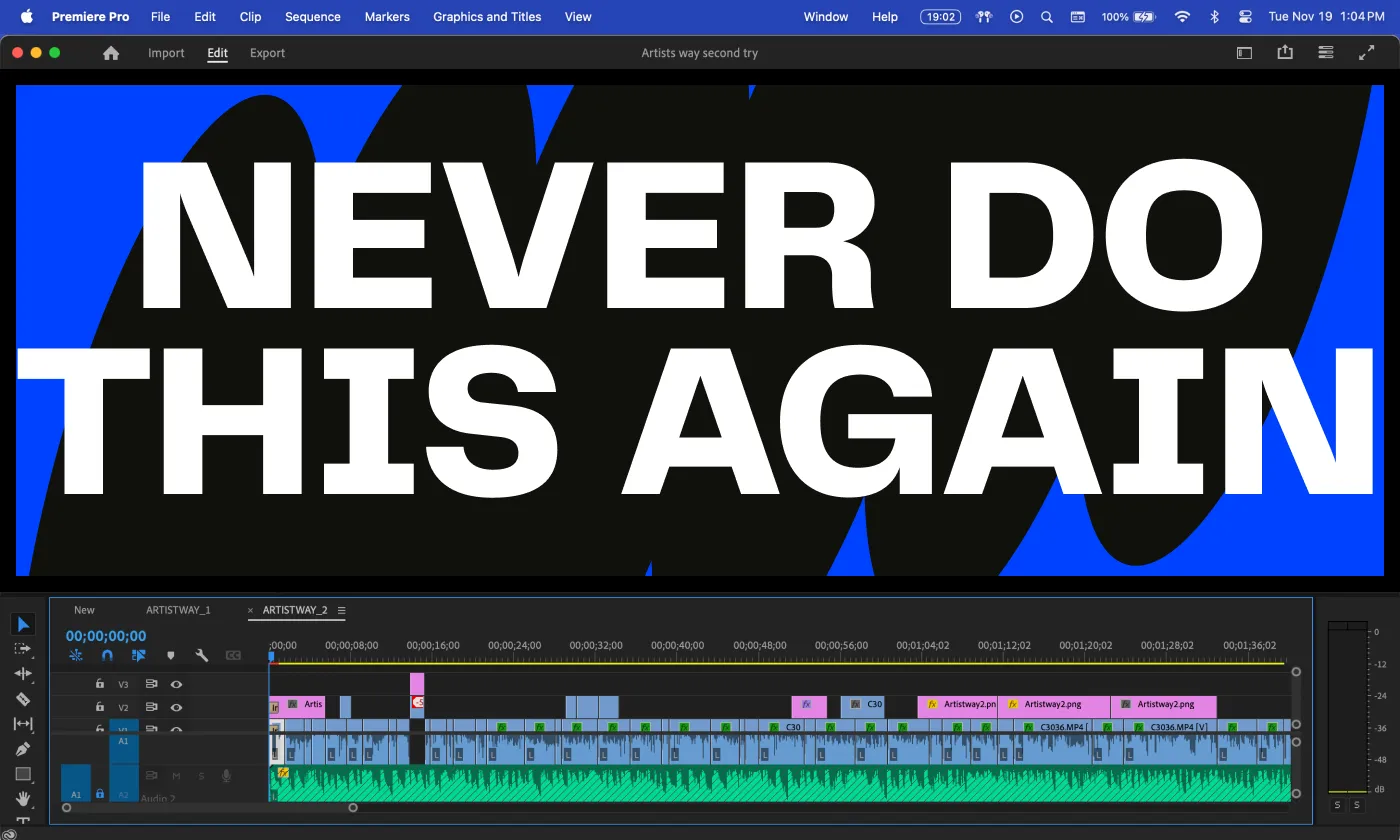


Creating an amazing YouTube video might start with a great content idea and great footage, but what really gets your YouTube channel noticed are the polished, engaging final productions that get viewers tuned in and keep them watching!
Video editing plays a huge role in shaping your brand and image on YouTube, helping convey your creative ideas.
You can always edit your YouTube videos using DIY methods, but using a professional YouTube video editing service gives you even more time to concept and create your video ideas, as an editing service simplifies the editing process, elevates your content, increases viewer engagement, and gives you back the hours that you’d spend editing on your own.
Let’s walk through some of the top YouTube video editing services to check out their features, so you can make an informed decision between DIY and professional options for your YouTube video editing needs.
What Exactly is a YouTube Video Editing Service?
YouTube video editing services support creators by turning your raw footage into high-quality videos optimized for YouTube.
This is done using editing techniques like trimming clips, adding cuts and transitions, enhancing audio, color correction, and more.
YouTube video editing services range from freelance-based platforms, where editors work on individual projects, to full-service agencies that handle everything from video production to post-production.
Many of these pro companies cater to YouTubers by understanding the platform’s needs, trends, and pacing, for instance, creating visual cuts and captions that keep viewers engaged to maximize your reach and audience retention.
The Benefits of Video Editing Services
Outsourcing your YouTube video editing offers several advantages.
First, and most obviously, it saves time, allowing creators to focus on brainstorming ideas, filming content, and connecting with their audience rather than handling the technical side.
Most video editing services also have access to professional-grade tools and experienced editors who can make your video productions look pro by using techniques like color correction, smooth edits and transitions, and balanced audio mixing.
Additionally, specialized video editing features like animations, subtitles, and engaging intros and outros help create a polished, cohesive look that appeals to viewers and makes the creator and their brand stand out.
Ultimately, outsourcing video editing allows YouTubers to produce high-quality content for their audiences with less hands-on work.
Types of Video Editing Services
You’ll choose your video editing service based on your needs as a content creator and on the features the provider offers. Here are three of the basic video editing categories you’ll find online:
- Basic Editing: The most basic video editing services involve taking your raw footage and creating a cohesive video within the time span you specify, using simple editing cuts, basic video transitions, and likely some text overlays. This kind of video editing is best if you just have very minimal editing needs.
- Full Service Editing: Full-service video editing takes all the basic editing tasks above and adds more comprehensive creative editing features to your footage, such as audio enhancement and noise reduction, small animations, minor color adjustments, and more complex intros, outros, and transitions.
- Specialized Editing: This is where things really get creative; specialized video editing takes the basic edit of your video and elevates it to Hollywood standards, focusing on specific elements like sound design/panning, color grading, motion graphics, and even special studio effects.
Some video editing services focus exclusively on YouTube, while others support video editing across additional platforms and formats.
An agency-based service may offer multi-platform editing packages, adjusting your video edits to suit different platforms (YouTube, Vimeo, Instagram, etc.) at an additional cost, while freelance-based services on platforms like Upwork and Fiverr tend to provide more affordable, single-platform options.
Key Video Editing Features
When selecting a video editing service, you’ll want to consider how complex an edit you’re looking for and which features your YouTube videos will require.
Additional perks from your editing service, such as fast turnaround, strong ongoing communication, and post-revision options, enhance the editing process. Here are some features to consider when looking for the best video editing service for you:
- Transitions: This simply means how the different parts of your video transition from one view to the next. Smooth cuts and thoughtful transitions that align with the video’s narrative help keep the flow natural and engaging.
- Motion Graphics and Animations: Eye-catching specialized visuals like animations, animated text, and motion graphics effects can really elevate your YouTube videos, particularly for educational or explainer content, or if you’re aiming at something extra-creative like a music or dance video. If you are doing something more cinematic, make sure your editor of choice has the skills to adapt to those more complex types of edits and effects.
- Subtitles: This may seem simple on the surface, but having accurate, working subtitles is vital for accessibility, especially if you’re targeting international audiences.
- Audio Mixing: Good audio mixing ensures clear sound quality and balanced audio throughout your entire video. This is crucial to avoid jarring volume or tone shifts, so you can better hold your audience’s attention.
- Color Correction: Color correction and consistent color grading (to create or support a specific visual atmosphere or style) give your YouTube video footage a professional look, and specific special effects (like converting a video to black and white or old-time sepia tones) can add a unique vibe.
- SEO-Optimized Elements: Additional features such as YouTube end screens, pop-up cards, and clickable thumbnails help your videos stand out even further in the YouTube ecosystem.
- Budget: Another simple but important consideration; make sure the video editing service you’re choosing fits with your budget, and that the costs are clearly outlined before the video editors begin working on your video project.
- Communications: Most YouTubers want some level of control over their creations, so good communication with your video editor is an important consideration. While you do need to trust their professional skills, you should also be comfortable outlining what you want them to do with each of your videos, and you should be able to easily contact them about any revisions or additions within a reasonable amount of time and without conflict.
Five Great YouTube Video Editing Services
1. Fiverr
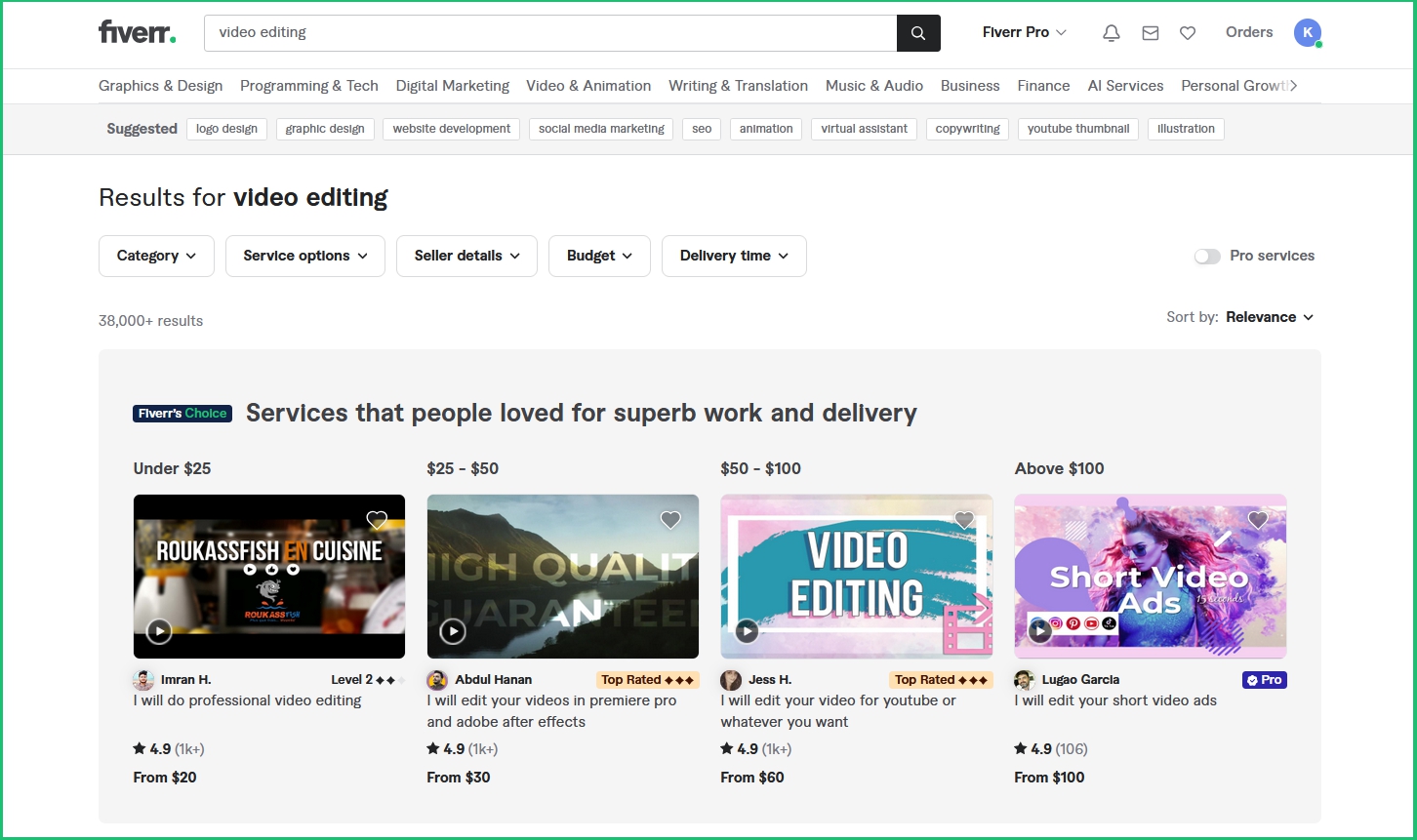
Fiverr offers a broad range of freelance editors skilled in everything from basic edits to advanced animations. The sheer number of editors on the Fiverr platform provides plenty of flexibility and options for any budget, with editors available for short- and long-term projects.
Pricing: Rates do start as low as $5-$20 on Fiverr, but can vary significantly based on editor experience and project complexity. Considering the editing work that’s put into editing even a very short video, you’ll probably want to offer a bit higher payment, especially if you like their work and want to build a professional relationship with the editor.
Pros and Cons: Pros include a wide range of prices and editor expertise, but anyone can list their skills on Fiverr, which means quality can vary; so it’s crucial to review video editors’ portfolios and be clear about what you require for your video's editing.
2. Upwork
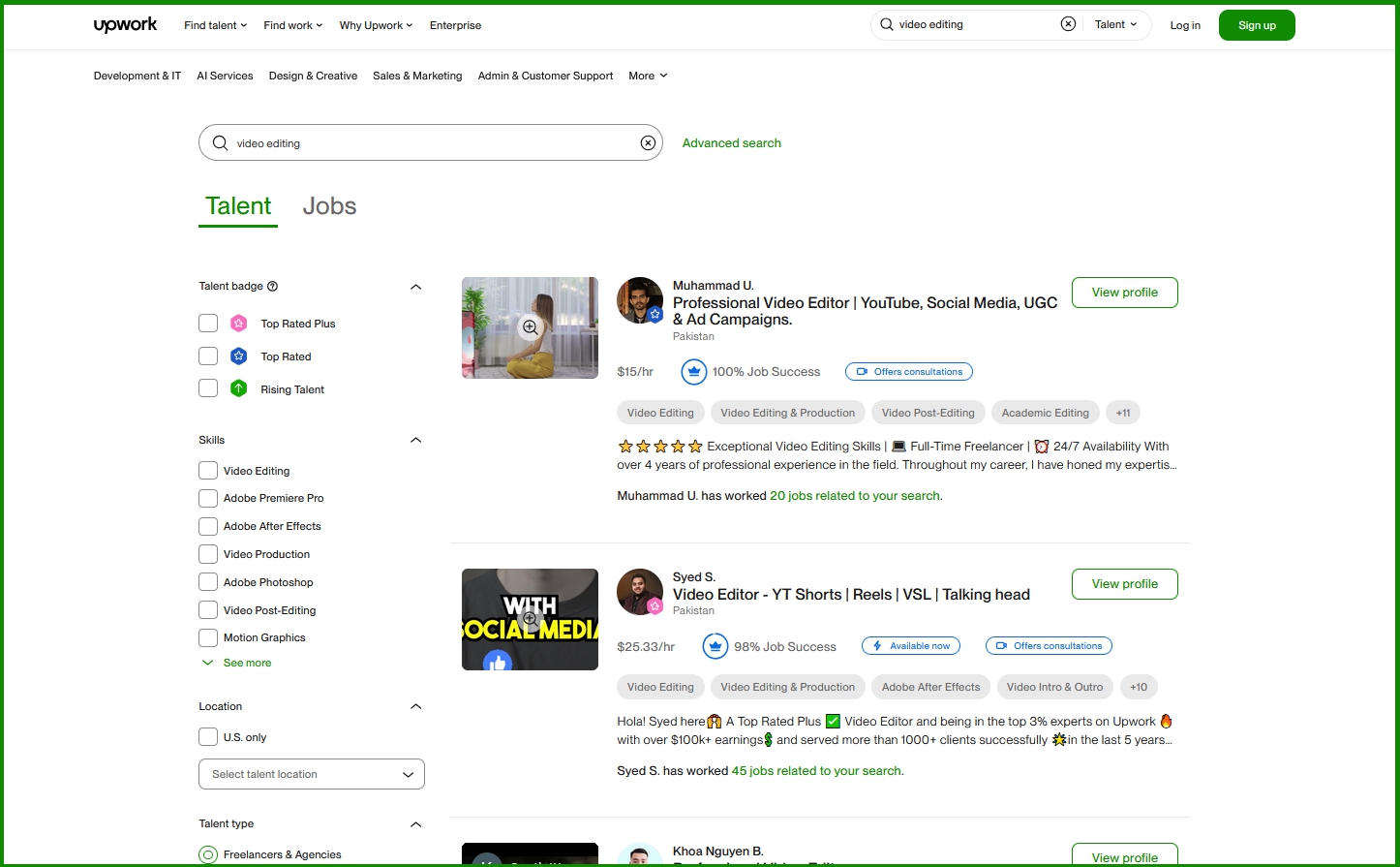
Upwork connects creators with freelance video editors from around the world, offering a wide range of skills and pricing. On Upwork, you can browse video editors based on the number of jobs completed and their hourly hire rate; you can also see how many jobs they’ve completed and their work/project history.
Pricing: Hourly rates vary by editor’s experience and range from $20-40 per hour; this could be a solid rate for short, easy-to-edit videos, but those fees could add up quickly for longer vids or more complex editing requirements.
Pros and Cons: There’s a long list of video editors to choose from on Upwork, and that section of the site has a customer rating of 4.8 out of 5 based on over 40,000 client reviews, so there’s definitely talent for hire; but you’ll still need to vet freelancers carefully, as they all work independently.
3. Increditors
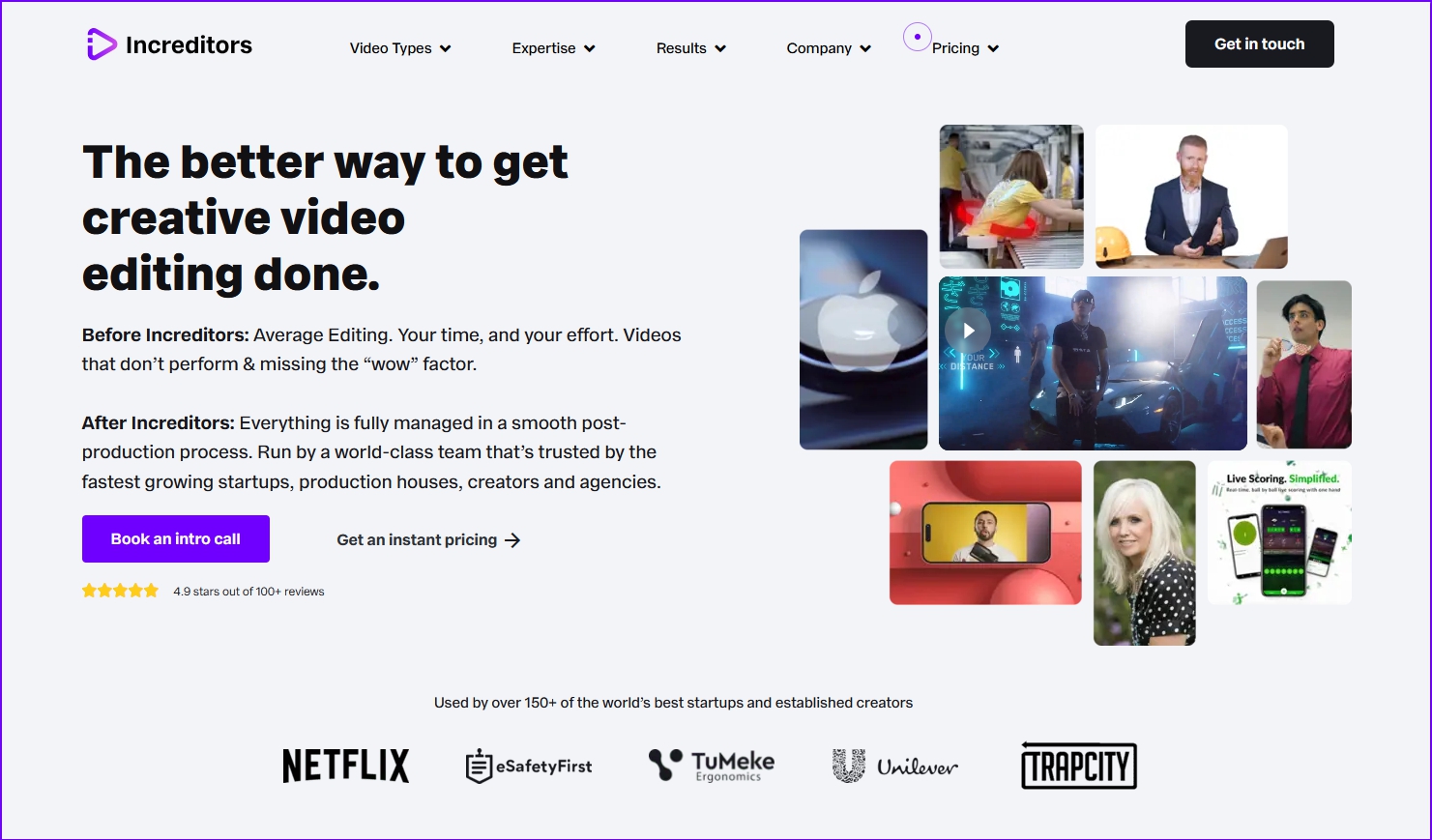
With over 80 million YouTube views to date, Increditors are known for their expertise in YouTube editing, including color grading, music videos, brand videos, sound design, explainer videos, and even VFX. You can even get a dedicated video manager and a dedicated video editor assigned to your channel so they can adapt your style and help you improve it.
Pricing: Increditors offers an impressive range of pricing options, from $250 for a single project (including 3 revisions) to quarterly rates starting at $1250 for 10 video projects over 3 months, to much bigger packages for more prolific content creators.
Pros and Cons: Comprehensive service with impressive background, and a long list of additional features that are specially tailored to YouTube and to content creators - but may be too costly for those working with smaller budgets.
4. VidChops
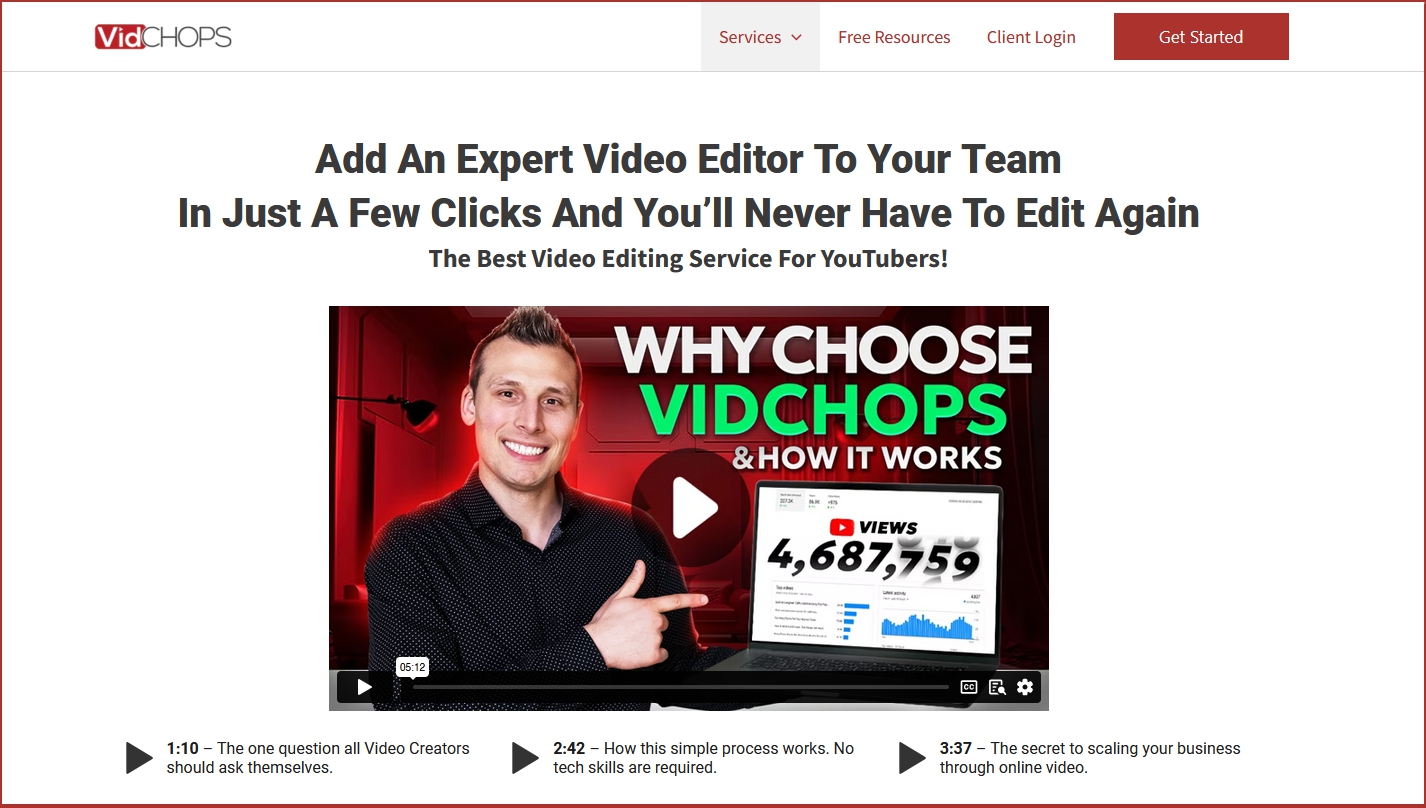
VidChops specializes in subscription-based editing services, which can be ideal for creators needing regular editing support for multiple videos each month. VidChops offers several revisions per video, your own dedicated video editor, access to their library of stock audio and video footage, and 1-2 days turnaround (via their monthly subscription model.)
Pricing: Starts at $495 monthly for 4 videos, $995 monthly for 8-10 videos.
Pros and Cons: High-quality editing and fast delivery are definitely advantages, but VidChops is an expensive option, so it would best suit creators who already have an established YouTube account, content posting schedule, and revenue to spare.
5. BeCreatives
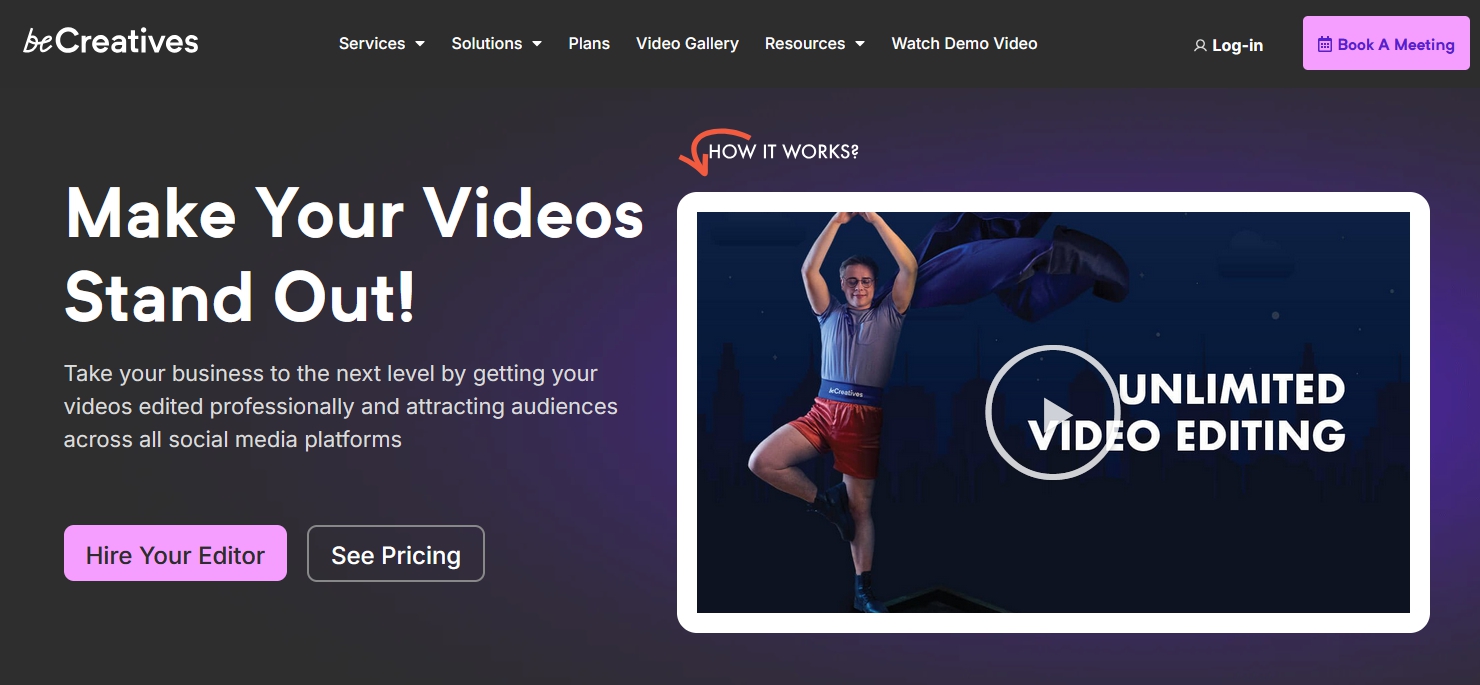
BeCreatives also assigns you a dedicated video editor who will get to know your brand, so you can improve your engagement on your YouTube channel. The turnaround from BeCreatives is 2-3 business days, with unlimited revisions and access to their “staggering” stock footage, animations, and music library for your videos.
Pricing: All of those assets aren’t cheap; BeCreatives charges $809 per month for unlimited video orders and revisions, plus up to 40 short-form videos (up to 90 seconds each) for your YouTube shorts each month.
Pros and Cons: BeCreatives offers lots of extras, a dedicated staff, and quick turnarounds, but those fees could definitely be overkill for creators who don’t post frequently.
And If You’re Considering DIY Video Editing…
If hiring a professional YouTube editing service isn’t in your budget—or your videos are simple enough that outsourcing feels unnecessary—DIY editing can be a totally valid route.
While pros can deliver higher-quality results, more consistency, and significant time savings, creators working with basic videos or tighter budgets often find that editing their own content is the most practical option.
Tools like iMovie, Adobe Premiere Rush, and DaVinci Resolve give you access to huge rosters of editing tools and program capabilities for your content at minimal or no cost, although you will have to invest some of your time to learn how to use these editing programs.
Other high-end video editing options include subscribing to Adobe Creative Cloud for Adobe Premiere and After Effects, and on the low end, CapCut, which is a surprisingly robust and enjoyable video editor for $7.99 per month.
Amplify Your YouTube Video Reach with Fourthwall!
Integrate your YouTube channel with your Fourthwall account and expand the many ways you can connect with your fans and followers!
Fourthwall not only lets you create a custom merch shop for your brand to showcase on YouTube Shopping, but also embed YouTube videos on your Fourthwall site.
Sell Fourthwall memberships to your YouTube channel's fans so they can unlock your exclusive YouTube video content plus membership posts; accept tips to help support the creation and editing of your YouTube videos; and let Fourthwall’s many features help you build a community that’s uniquely yours.
Get started on Fourthwall today!
FAQ: YouTube Video Editing
What is a YouTube video editing service?
A YouTube video editing service takes your raw footage and turns it into a polished, engaging final cut optimized for YouTube. These services often include trimming, transitions, audio cleanup, color correction, subtitles, and platform-specific edits.
Do I really need a professional editing service for YouTube?
You don’t need one, but a professional editor can dramatically elevate your production quality, improve viewer retention, and free up hours of your time. If you’re growing quickly or producing complex videos, a pro service can help you scale faster.
What are the benefits of outsourcing YouTube video editing?
Outsourcing saves you time, gives your videos a more polished and consistent style, and ensures your content meets YouTube’s standards for pacing, visuals, and audio. It also lets you focus on the parts of creation you enjoy most—filming, planning, and engaging with your audience.
What types of YouTube editing services are available?
You’ll find basic editing (simple cuts and transitions), full-service editing (audio balancing, color work, intros/outros), and advanced or specialized editing (motion graphics, VFX, cinematic color grading, sound design). The right choice depends on your niche and content goals.
Kristi Kates is a writer at Fourthwall who covers the Creator economy from the inside, as a working musician and Partnered Twitch streamer. She brings 15+ years of music and culture journalism to her work, including a run as Editor in Chief of the indie-rock magazine Pyxis, and writes to help Creators build merch, memberships, and audiences that last.