10 Best Link-in-Bio Tools for Optimizing Your Social Media Presence in 2026
As a content creator, you’re always looking for ways to drive traffic to your website, blog, or other social media accounts.
However, social media platforms like TikTok and Instagram only allow for one clickable link in the bio section. This is where link-in-bio tools come in handy.
These tools enable you to easily direct your followers to different platforms or content. They also allow you to add multiple links to a single, centralized landing page, effectively expanding your promotional capabilities.
Whether you’re trying to direct people to your latest blog post, online store, or YouTube channel, link-in-bio tools provide a streamlined way to maximize your social media presence.
In this article, we will explore the importance of these tools and highlight 10 of the best available for content creators.
Why Are Link In Bio Tools So Important?

TikTok and Instagram are among the most popular social media platforms for creators to promote their brands and merchandise.
However, they both have limitations when it comes to the number of links you can have in your bio section.
Link-in-bio tools have become essential for Instagram and TikTok creators looking to drive traffic to their websites, blogs, or other social media accounts.
Here are a few reasons why they are important:
One Bio, Unlimited Links
Instagram’s single-link rule is brutal, especially when you’re juggling a shop, videos, drops, and collabs. Link-in-bio tools fix that instantly.
Instead of constantly hitting edit profile to swap links, you can house everything in one place—your website link, latest YouTube video, shop, newsletter, or even an X/Twitter bio redirect.
It’s the cleanest workaround for the character count limits of a bio on Instagram, and it keeps your profile looking intentional, not chaotic.
Pair that with a good Instagram bio, smart emojis, and clean Instagram bio fonts, and suddenly your profile makes a killer first impression.
Turn One Click Into Multiple Content Streams
A strong link-in-bio setup lets you guide followers exactly where you want them to go. Blog posts. Merch. Podcasts. UGC campaigns. Whatever you’re pushing that week.
Instead of promoting one thing and hoping people dig around, you’re offering clear, clickable options that match different interests.
That’s how creators stretch a single Instagram account into a whole ecosystem without cluttering their feed or relying on endless hashtags.
Pro tip: Creators who pair their link-in-bio with smart Instagram bio ideas, highlights, and a solid profile photo tend to keep people clicking longer.
More Engagement, More Monetization
At the end of the day, attention is cool, but conversions pay the bills. Link-in-bio tools make monetization smoother by putting your offers front and center.
Selling merch? Running a membership? Launching something new? A link-in-bio page lets you update promotions in seconds while keeping your best bio structure intact.
That flexibility is tremendous for creators using Instagram for business, especially when timing matters.
When your Instagram bio is paired with a clear CTA, strong bio examples, and even bio templates or a bio generator, your profile stops being decorative and starts working for you.
Things You Should Consider When Choosing A Link In Bio Tool
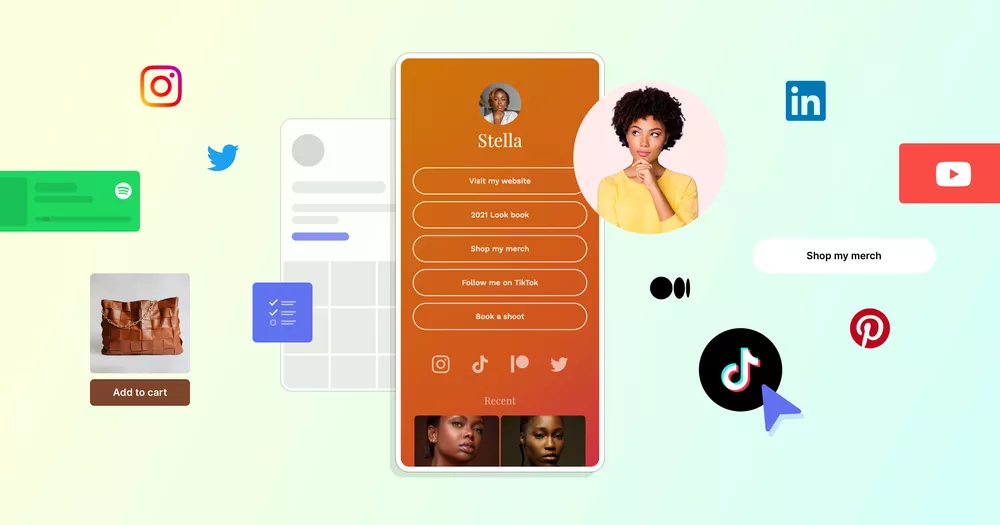
When choosing a link-in-bio tool, content creators should consider several factors. Here are five essential aspects to think about:
🤳🏽 Functionality and Features
A modern link-in-bio tool should do more than host a few clickable links. It should act like a mini landing page for your social media account.
Look for features like scheduling links, pinning priority links, and swapping CTAs without having to constantly hit edit profile.
Built-in tools like a bio generator or reusable layouts help creators quickly test different best Instagram bio setups without overthinking the character count.
Bonus points if the tool supports emojis, hashtags, and clean formatting that make your Instagram bio easier to scan.
🎨 Customization and Branding
Your link-in-bio page should feel like an extension of your brand, not a generic link dump.
Strong tools let you customize fonts, colors, button styles, and layouts so everything matches your platform’s feed and overall aesthetic.
This matters because your bio and link page often shape the first impression before someone even scrolls.
🔌 Integrations and Connections
The best link-in-bio tools connect smoothly with everything you already use—your website link, shop, email list, YouTube channel, X/Twitter bio, and other platforms.
Instead of forcing followers to hunt for content, integrations turn your bio into a navigation hub for your entire online presence.
This is especially important if you use Instagram and TikTok to promote UGC, drops, newsletters, or long-form content elsewhere.
A tool that syncs across platforms keeps your workflow simple and your messaging consistent.
📊 Analytics and Reporting
If you’re not tracking clicks, you’re guessing, and guessing doesn’t scale.
Strong analytics show which links people actually tap, what drives engagement, and where your traffic drops off.
That insight helps you refine your bio, tweak CTAs, and optimize what you highlight across your social media profiles.
Over time, analytics reveal patterns that help you double down on what converts instead of what just looks nice.
💰Pricing and Long-Term Value
Free link-in-bio tools are fine for testing, but they often cap customization, branding, and analytics as you start growing.
Paid plans usually unlock deeper insights, stronger branding options, and tools designed for creators running a business—not just casual users.
The real question isn’t price, it’s value: does this tool save time, increase clicks, and improve your first impression?
If it helps turn profile views into actual traffic or sales, the ROI is usually worth it.
10 Best Link-In-Bio Tools to Optimize Your Profile in 2026
1. Linktree
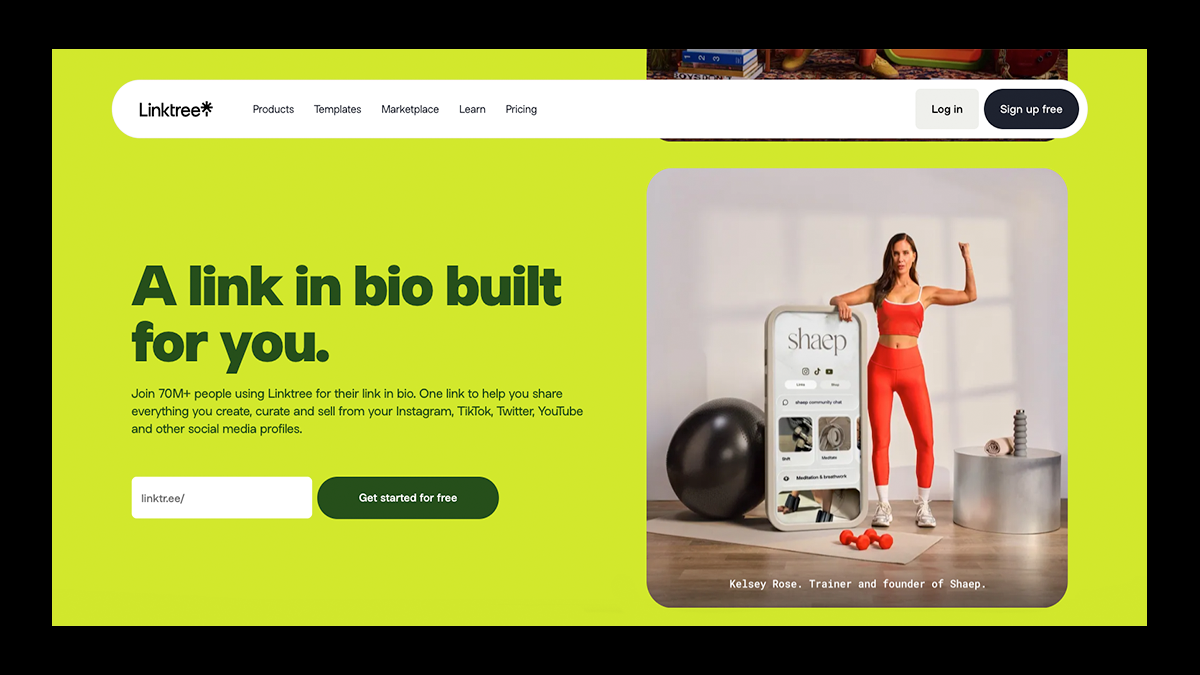
For nearly 10 years, Linktree has remained the default go-to when creators talk about link-in-bio tools, and that’s not by accident.
Its recognizable layout turns any social media profile into a central hub for unlimited links, embedded content, and time-sensitive promotions, all without having to constantly edit your profile.
Creators can stack links, schedule updates, track clicks, and even sell digital products or accept tips, making it far more than just a basic redirect page.
Pair it with Fourthwall, and your merch automatically becomes scrollable right in your bio, letting your fans browse bestsellers, drops, and collections the moment they tap through.
From there, it only takes a few taps to head straight to your Fourthwall shop and complete checkout.
Less friction, more discovery, and a bio that actually drives sales instead of just clicks.
✅ Pros
- Ultra-easy setup with unlimited links
- Strong analytics, scheduling, and embeds
- Trusted, familiar UX for fans
- Seamless Fourthwall product previews for merch sales
❌ Cons
- Their free plan is fairly limited
- Design options can feel templated
- Deeper branding and monetization features require paid plans
2. Shorby (now Shor)
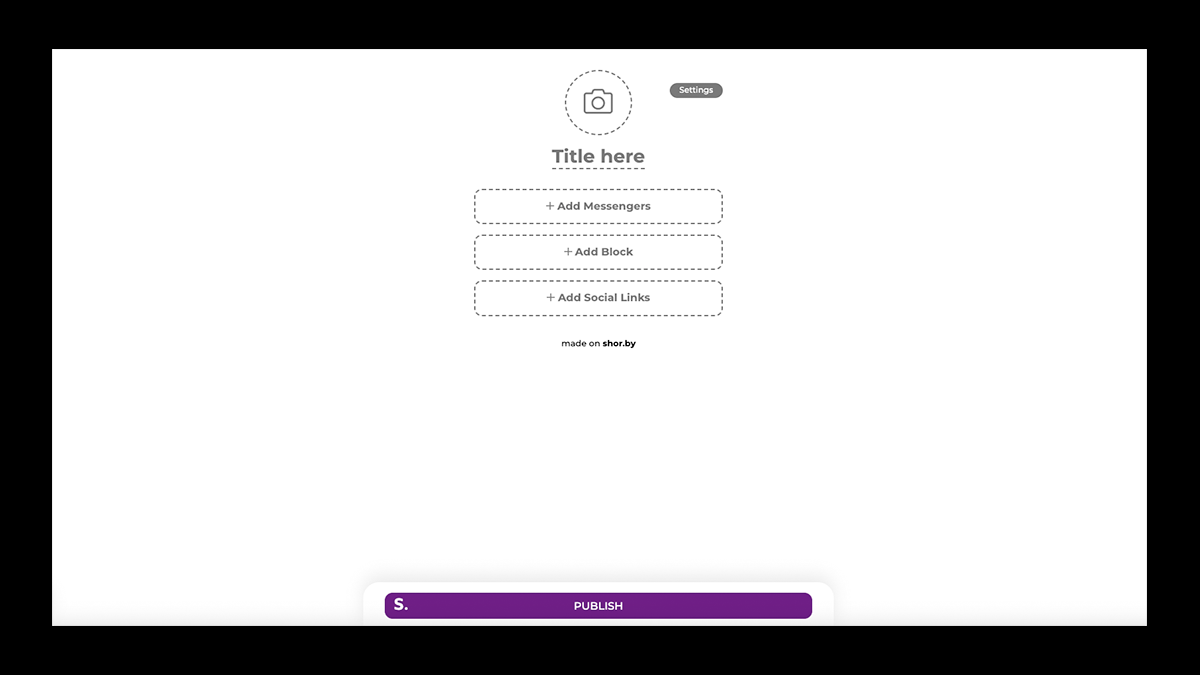
Shorby, recently rebranded as Shor, is built for those who want their link in bio to do more than just send traffic somewhere else.
Instead of constantly swapping out a single URL, Shorby lets you create mobile-optimized micro-landing pages that automatically showcase your latest content, featured links, and priority offers from one permanent bio link.
Where it really stands out is engagement: you can add direct messenger buttons for WhatsApp, Instagram DMs, Telegram, email, or even phone calls, turning passive clicks into real conversations.
It also supports dynamic feeds (like blog posts or product updates), scheduled blocks, and tracking pixels, making it a strong choice for launches, promotions, and lead generation.
For creators focused on conversions and not just aesthetics, Shorby turns your bio into an active engagement and communication tool.
✅ Pros
- Strong engagement features (DM, chat, and messenger links)
- Mobile-first micro-landing pages optimized for social traffic
- Built-in analytics, tracking pixels, and Google Analytics integration
- Dynamic feeds and scheduled blocks on higher plans
❌ Cons
- Customization is more structured and less flexible visually
- Some advanced features require higher-tier plans
- Slight learning curve compared to ultra-simple link tools
3. Pallyy
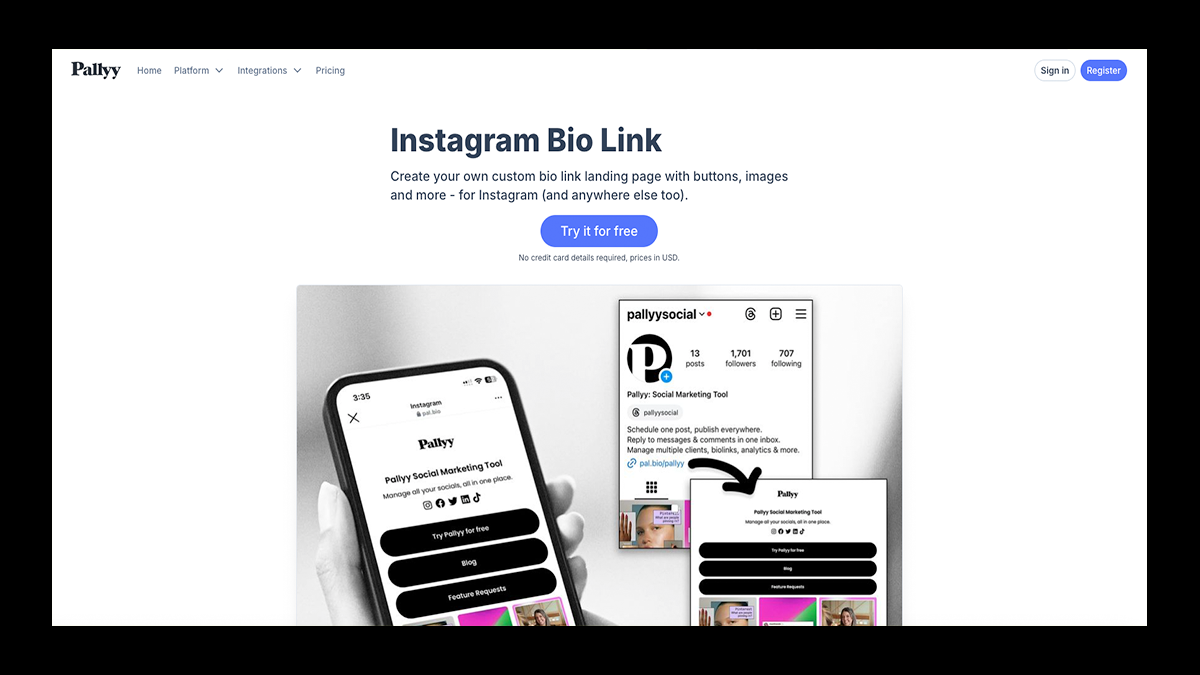
Pallyy is a visual-first social media platform that connects your Instagram feed, posting schedule, and link-in-bio into one cohesive workflow.
It’s especially strong for creators who rely on visual content, because you can plan your feed with a grid preview, schedule posts (including Reels/Stories), and keep your whole content calendar organized in one place.
On top of that, you get real analytics (engagement, follower growth, hashtag performance, best times to post) so you’re not guessing what’s working.
And when it’s time to funnel traffic, Pallyy’s bio link feature (Smily.Bio) lets you build a clean landing page with buttons, a grid layout, or both—plus, you get click and impression tracking.
Add in the social inbox for managing comments and mentions, and Pallyy feels less like “just a link page” and more like a creator control panel.
✅ Pros
- All-in-one workflow: scheduling + analytics + bio link hub
- Visual Instagram planning tools (grid preview + drag-and-drop calendar)
- Strong hashtag tools (including saving reusable hashtag lists)
- Social inbox helps you manage comments/mentions without platform-hopping
❌ Cons
- It can be overkill if you only need a basic clickable link page
- Some features take a minute to discover (like queue scheduling)
- Analytics are deep for IG/FB/LinkedIn, but not equally strong across every platform
4. Link in Profile
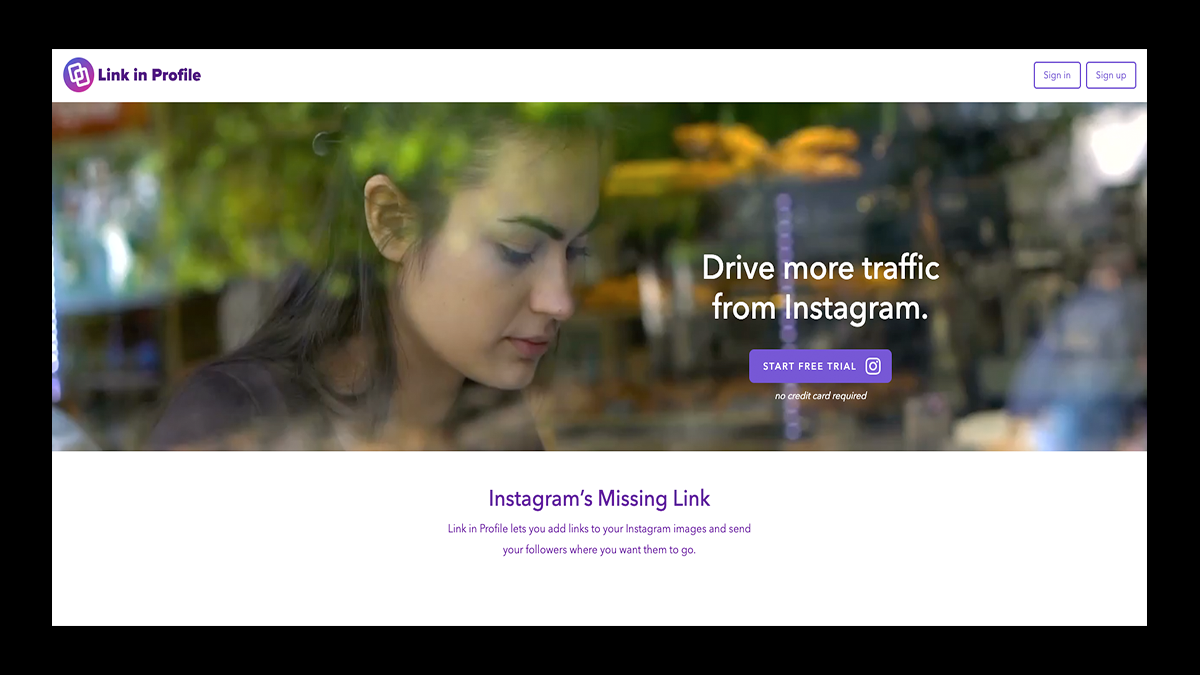
Link in Profile is a link-in-bio tool explicitly built for creators who want to turn their Instagram feed into a shoppable experience.
Instead of sending followers to a generic list of links, it lets you connect individual Instagram posts directly to products, services, or external pages, so clicks feel intentional and purchase-ready.
Its standout feature is seamless Etsy integration, making it especially powerful for artists, makers, and product-based creators who sell on Etsy.
The infinite-scroll media layout mirrors the Instagram feed, keeping the experience familiar, mobile-friendly, and frictionless.
If your goal is to monetize Instagram content without reinventing your workflow, Link in Profile keeps things focused and effective.
✅ Pros
- Direct Etsy integration for easy product monetization
- Let's you link individual Instagram posts to products or pages
- Clean, infinite-scroll layout that feels native to Instagram
- Simple setup with a low learning curve
❌ Cons
- Primarily built for Instagram, not multi-platform creators
- Limited advanced features beyond commerce linking
- Fewer analytics and customization options than all-in-one tools
5. Replug
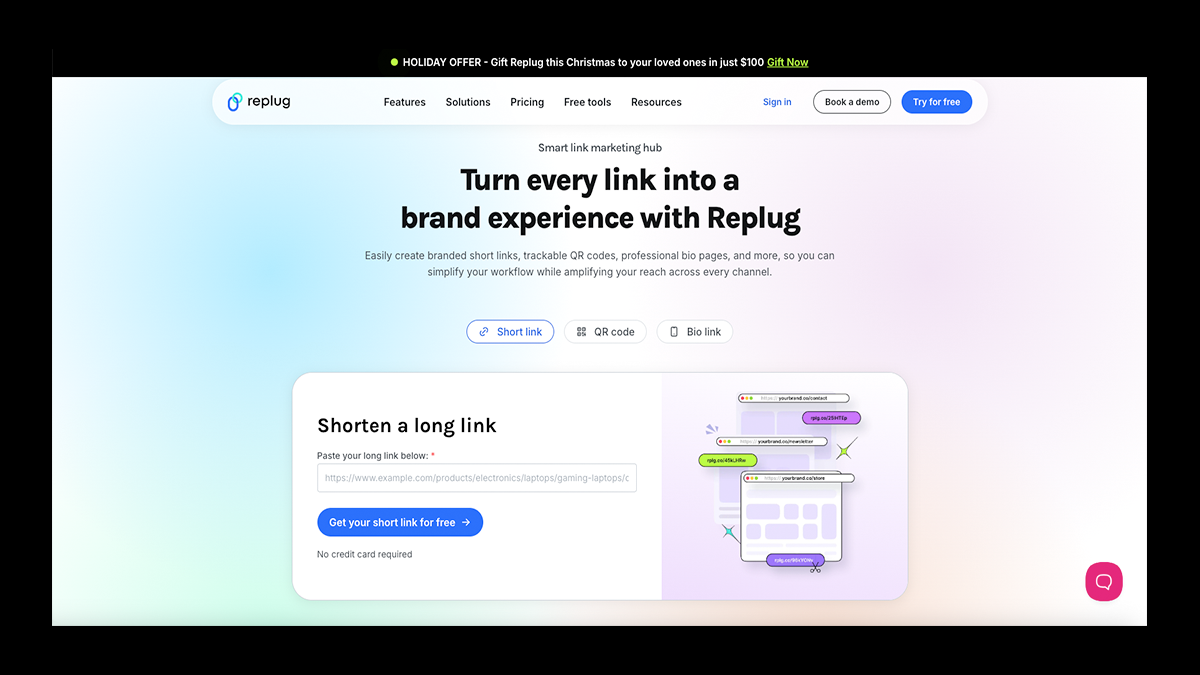
Replug is a link management tool designed for marketers who actually care about what happens after someone clicks.
Instead of stopping at basic redirects, Replug turns every shared link into a performance asset by layering in retargeting pixels, branded short links, and customizable call-to-actions.
You can build clean, branded bio link pages, track detailed engagement data, and retarget visitors across ads, even if the link points to content you don’t own.
That makes Replug especially powerful for creators running paid campaigns, affiliate links, newsletters, or multi-platform funnels beyond Instagram.
If you want real attribution, smarter conversions, and links that work as marketing tools (not decorations), Replug is built for that level of control.
✅ Pros
- Advanced retargeting pixels on every shared link
- In-depth analytics with geographic and behavior insights
- Branded short links and custom domains boost credibility
- Team collaboration and agency-ready features
❌ Cons
- It can feel overwhelming for casual or first-time users
- Advanced features push pricing higher
- Not focused on visual aesthetics like creator-first tools
6. Woorise
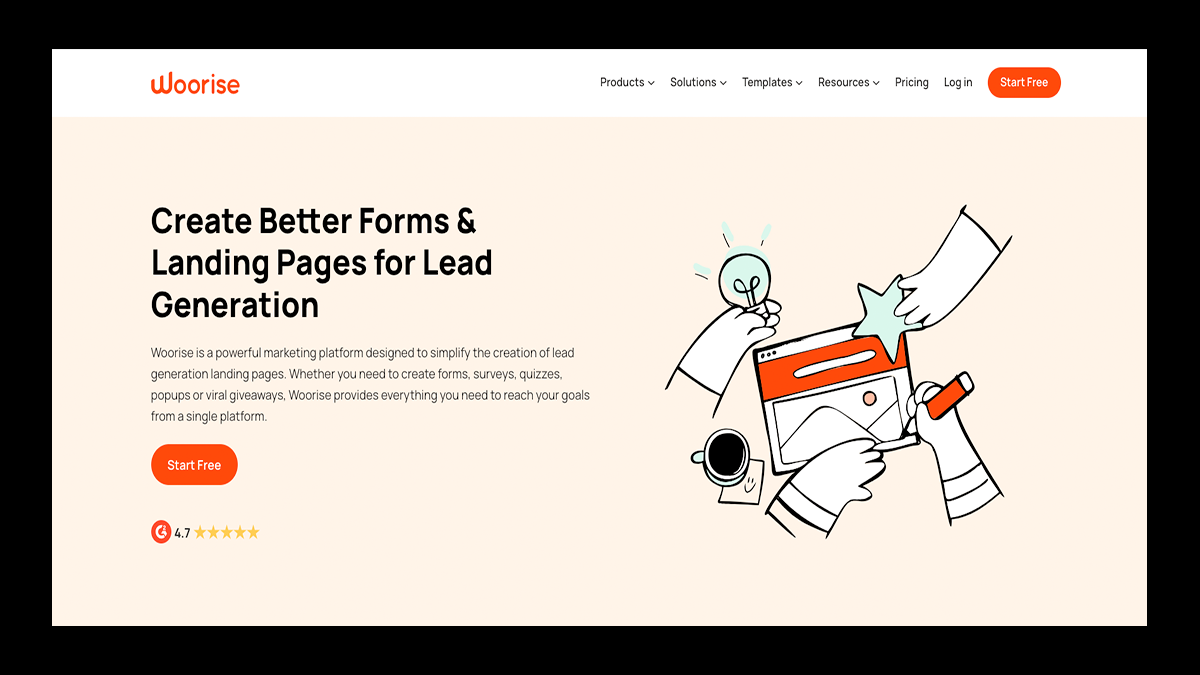
Woorise goes way beyond a traditional link-in-bio tool by turning your social bio into an interactive engagement hub.
Instead of just listing links, Woorise lets you build quizzes, giveaways, forms, landing pages, and biolink pages from one dashboard, which is perfect for creators who want to capture emails, run campaigns, or drive real actions.
Its massive library of professionally designed templates makes it easy to get started quickly, while the drag-and-drop editor gives you complete control over layout, content blocks, and branding.
You can embed videos, forms, images, and even payment elements, then either publish the page on your own site or let Woorise host it for you.
If your goal is turning profile traffic into leads, signups, or contest entries, Woorise makes your bio feel like a destination—not a detour.
✅ Pros
- Powerful engagement tools beyond basic links
- Excellent for email collection, giveaways, and lead generation
- Extensive library of customizable, mobile-optimized templates
- Flexible publishing options with full drag-and-drop control
❌ Cons
- More complex setup than simple link-in-bio tools
- Higher starting price compared to lightweight options
- Overkill if you only need a basic list of links
7. Beacons
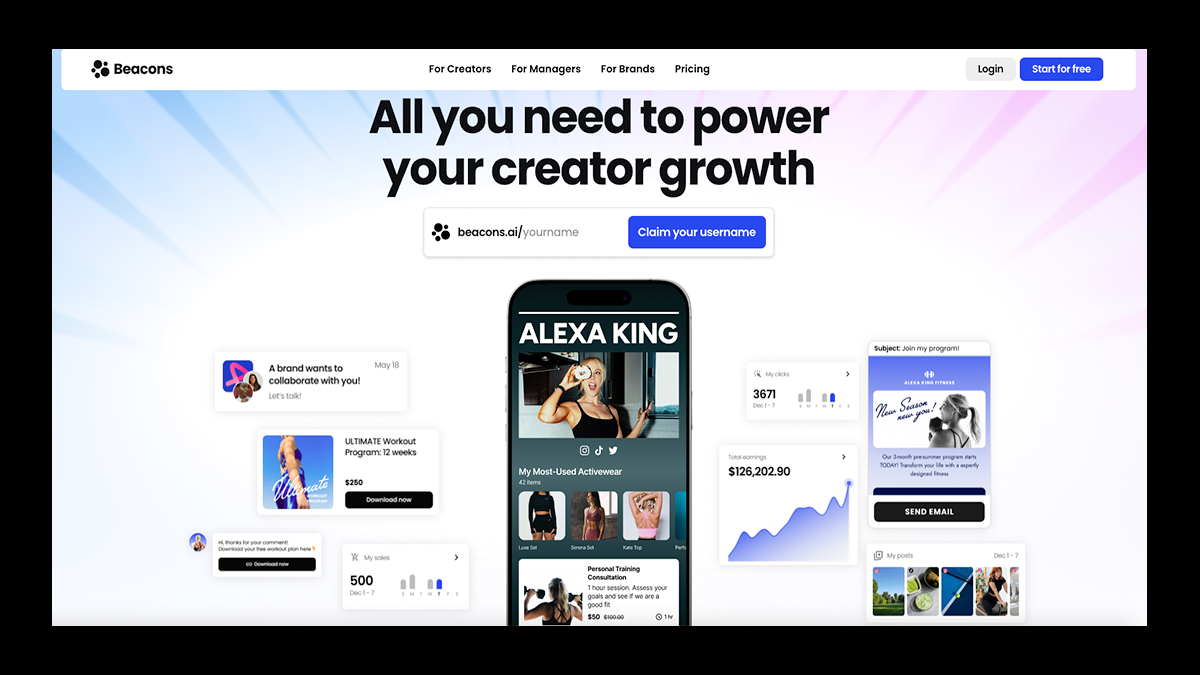
If you want your bio page to function like a real website, not just a list of buttons, then Beacons is right up your alley.
It gives you a customizable, mobile-optimized page where you can showcase content, sell digital products, collect emails, and link out to every platform you’re active on—all from one hub.
Beyond links, Beacons layers in creator-friendly tools like audience insights, email marketing, media kits, and built-in analytics, making it easier to grow and monetize over time.
The platform even uses AI to help with content ideas, captions, and campaign optimization, which can be a major time-saver for solo creators.
If you’re looking to treat your social presence like a business, Beacons helps you turn bio traffic into a sustainable source of income.
✅ Pros
- Combines content, commerce, and audience tools in one platform
- Strong monetization options (digital products, tips, email capture)
- Beautiful, mobile-optimized layouts that feel creator-first
- Includes analytics, media kits, and creator CRM features
❌ Cons
- Design flexibility can feel overwhelming at first
- Some advanced features are locked behind paid tiers
- Not as lightweight as simple, link-only tools
8. Lnk.Bio
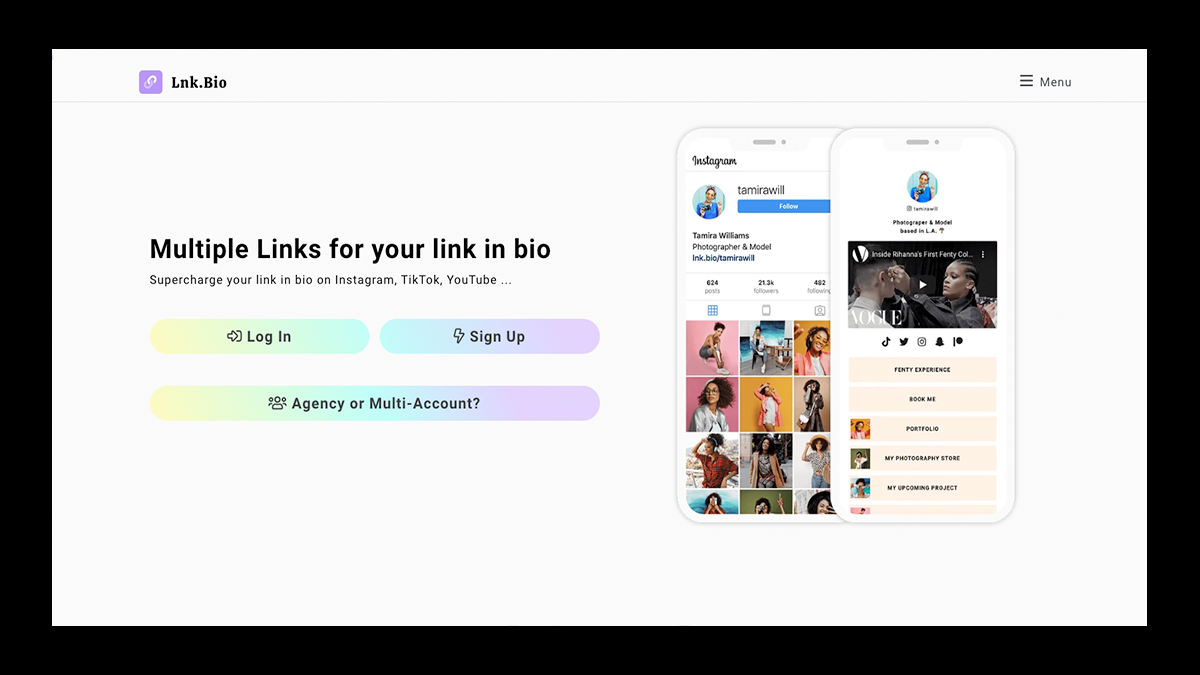
Lnk.Bio provides a simple, mobile-optimized landing page that turns one bio URL into a home for unlimited links across Instagram, TikTok, and YouTube.
You can log in using the official Instagram API, get set up in minutes, and update links anytime without touching your profile again.
While the platform keeps its focus on simplicity, it still offers practical tools like link scheduling, activation controls, custom domains, and basic analytics to track performance.
If you’re looking for a tool that offers control and flexibility without committing to a heavy, all-in-one creator platform, Lnk.Bio is worth checking out.
✅ Pros
- Unlimited links available on the free plan
- Quick setup with secure Instagram API login
- Link scheduling and on/off controls for campaigns
- Affordable upgrade options, including one-time plans
❌ Cons
- Analytics are limited compared to advanced tools
- No native eCommerce or funnel-style monetization
- Free plan includes platform branding
9. Later
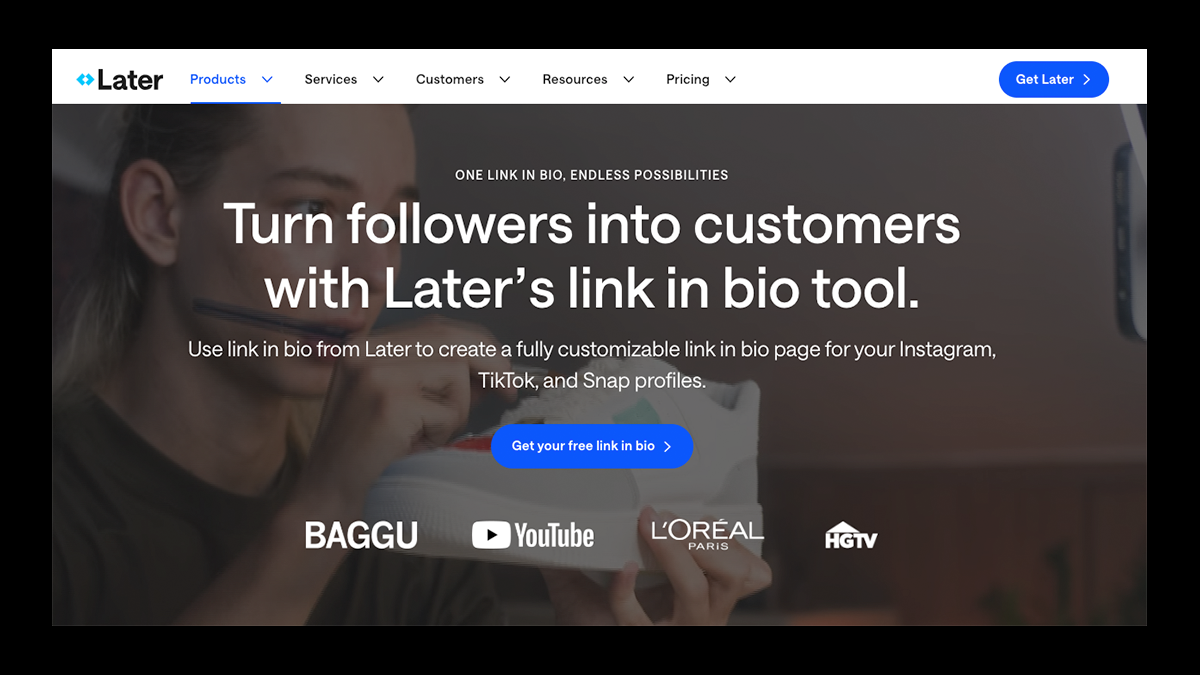
Later takes a different approach to link-in-bio tools, treating your bio as an extension of your content calendar rather than a standalone page.
Its link-in-bio feature creates a clickable replica of your Instagram feed, so when someone taps a post, they’re taken directly to the product, article, or page tied to that content.
This makes the experience feel natural and familiar, especially for eCommerce brands that rely on visual storytelling to drive clicks.
And because it’s fully integrated with Later’s scheduling, analytics, and hashtag tools, your bio links stay perfectly aligned with what you’ve already planned and published.
The result is a bio that feels intentional, shoppable, and strategically connected to your overall content strategy.
✅ Pros
- Seamless integration with content scheduling and analytics
- Clickable Instagram feed that feels native to users
- Excellent for eCommerce and product-based creators
- Keeps bio links synced with planned and scheduled posts
❌ Cons
- Customization options are fairly limited
- Link-in-bio is a supporting feature, not the platform’s core focus
- Can feel complex if you only want a simple bio link tool
10. Hopp by Wix
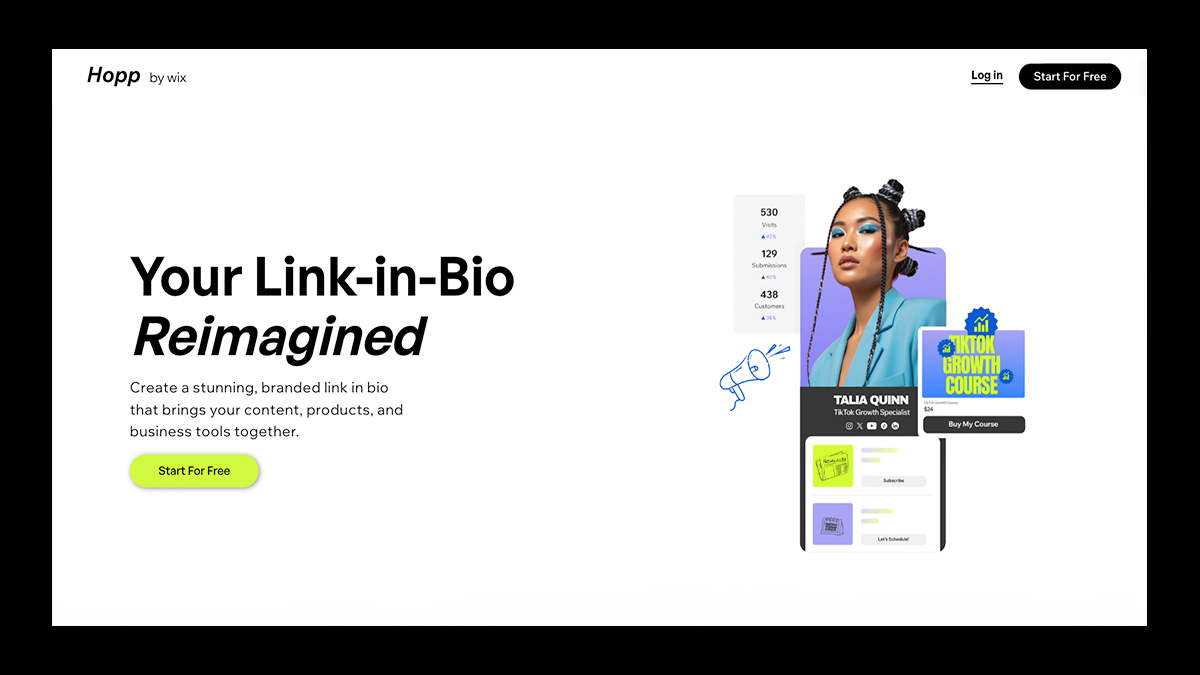
Hopp turns your social bio into a fully customizable mini website, letting you combine links, content blocks, short URLs, instant landing pages, and even pre-roll content from one dashboard.
Because it’s powered by Wix, you get serious design flexibility: branded layouts, custom colors and fonts, video backgrounds, search functionality, and optional payment tools, all optimized for mobile.
Beyond the core link-in-bio page, Hopp’s instant pages and pre-rolls make it especially strong for launches, campaigns, and time-sensitive promotions where context matters before the click.
For creators who are looking to scale from “just links” into storytelling, commerce, and campaigns, Hopp feels like a natural upgrade.
Pros
- Deep customization with drag-and-drop design tools
- Multiple tools in one platform (link in bio, short links, instant pages, pre-rolls)
- Seamless integration with the Wix ecosystem and CRM
- Strong for commerce, campaigns, and branded storytelling
Cons
- More setup time than lightweight link tools
- Advanced features like custom domains require a paid plan
- Can feel a bit overwhelming if you're just looking for basic links
Turn Your Linktree Into a Merch Showcase With Fourthwall
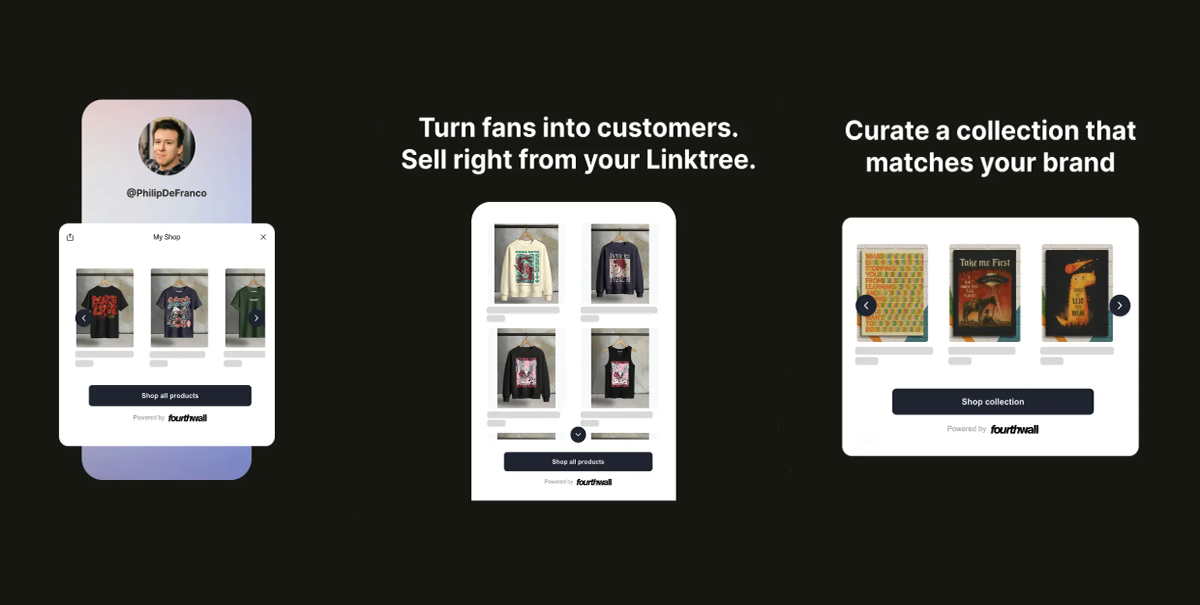
Your Linktree doesn’t have to stop at links anymore.
With Fourthwall’s integration with Linktree, you can turn your bio into a scrollable preview of your top-selling products, drops, and collections, right where fans already click.
Instead of hiding merch behind a generic “Shop” link, your audience can now browse photos, prices, and product details directly from your Linktree, then jump to checkout in just a few taps.
It’s cleaner, faster, and built to convert more traffic into sales within your shop.
Join Fourthwall today and connect your shop to Linktree to showcase your catalogs exactly where your audience is already paying attention.
FAQ: Link-in-Bio Tools
Why do creators need a link-in-bio tool?
Platforms like Instagram and TikTok still limit users to one link, making link-in-bio tools essential for growth.
These tools help creators promote multiple links, drive traffic, and monetize their social media without constantly editing their bio.
How does a link-in-bio tool help with monetization?
A strong bio link page puts products, memberships, and offers front and center.
Instead of hoping followers search for your shop, you guide them directly from your Instagram profile to sales pages, catalogs, or checkout flows.
Are link-in-bio tools good for TikTok profiles, too?
Absolutely. A link-in-bio tool works just as well for a TikTok bio, helping creators drive traffic off-platform once they unlock a clickable URL.
Many creators use the same link page across Instagram, TikTok, and YouTube.
What features should I look for in a link-in-bio tool?
Look for customization, analytics, integrations, and ease of use.
Features like custom URLs, link scheduling, eCommerce support, and click tracking help turn a simple bio link into a growth tool.
About the Author