
Turn Your Adobe Express Designs Into Real Merch You Can Sell


Great designs deserve more than a download.
Now, you can turn any design you create in Adobe Express into real, sellable merchandise, with no inventory, no upfront cost, and no need to jump between tools.
With the new Fourthwall add-on for Adobe Express, your artwork can go from canvas to custom apparel, drinkware, accessories, and more in just a few clicks, all without ever leaving Express.
How to Get Started
Getting started only takes a few minutes. First, create a free Adobe Express account if you don't already have one.
Next, open the “Add-ons” panel from the left-hand toolbar and search for Fourthwall in the Discover tab. Click “Add” to install the extension.
Once it's been added, you'll find it under “Your add-ons” whenever you open Adobe Express.
From there, open the Fourthwall add-on and sign in to your Fourthwall shop. The product design panel will appear on the right side of your screen, letting you create and customize products without leaving Adobe Express.
If you already have a Fourthwall store, simply connect your account to publish new products directly to your storefront and save your designs to your Fourthwall media library so they're ready to use again later.

Designing Your Product on Adobe Express
With Adobe Express, you can upload and design your merch within the app in just minutes.
Here’s what you need to do:
1. Upload Your Design
When it comes to selecting your design, you can either upload your original artwork from your computer or click the “Add Content” button in the toolbar to create your own design using Adobe Elements and Text.

2. Choose Your Product
Once your design is uploaded and finished, it’s time to choose your product.
Click on the “Pick a Product” button in the right-hand corner and browse through all available Fourthwall products.
Then, select the item you want to customize and click “Generate Preview” to see the finished result.

3. Preview & Publish to Your Store
Before you’re ready to publish your product to your shop, check to see if the design is where you want it to be.
Adobe lets you choose between four different printing locations, such as front large, back large, left sleeve, or right sleeve. Select the right location for your design, and then click “Publish to Shop.”

4. Edit Product Details
Click on “Open in Shop Admin,” and you’ll be taken to your product’s detail page where you can edit the product’s name, details, and pricing.
And that’s it! Your product is officially live and ready for customer purchase.

New to Fourthwall?
No account, no problem. You can preview product mockups instantly as a guest, and when you're ready to start selling, creating a Fourthwall shop takes just a few minutes.
Try It Now
Ready to see your designs on real products? Find the Fourthwall add-on in Adobe Express and start creating today.
Matt Keyser is a writer at Fourthwall who lives at the intersection of social media and Creator culture. With 4+ years of experience covering industry trends, his work focuses on helping Creators and brands understand how to turn their passion into a thriving business while maintaining a constant pulse on the latest eCommerce and social media trends.


You might also like

Throne x Fourthwall: Your Community Wants to Support You. Let Them.
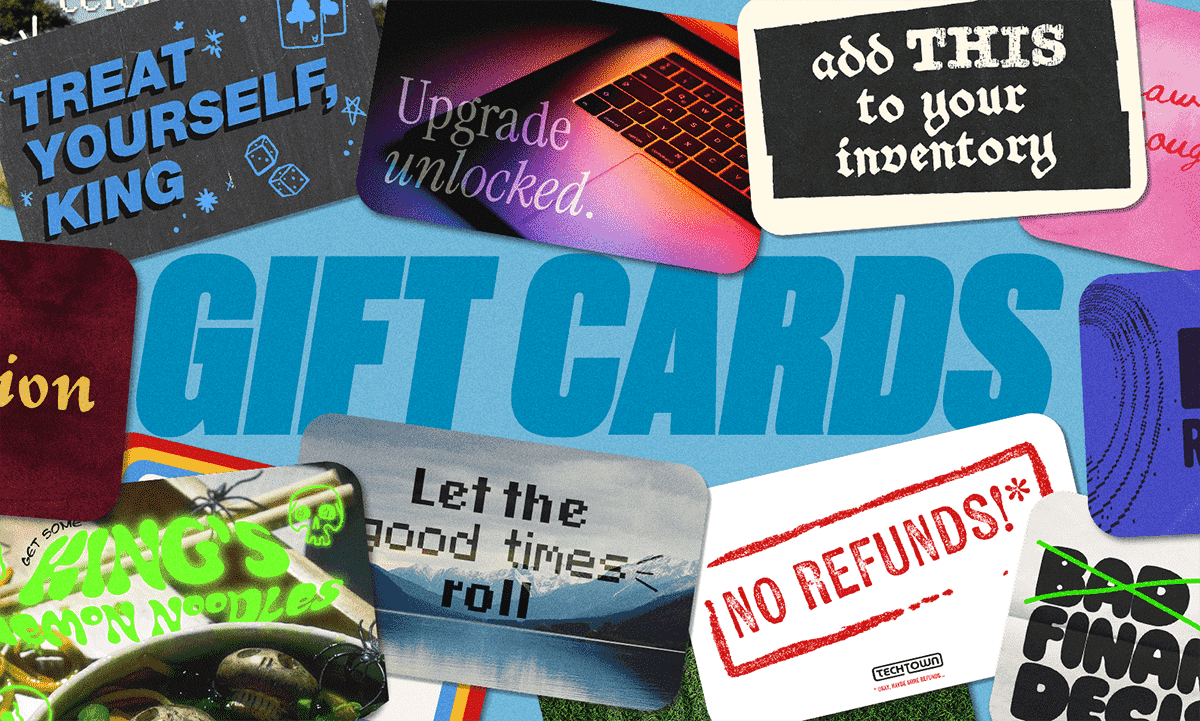
Custom Gift Cards Are Here for Your Fourthwall Shop!
.webp)
Fourthwall Pro vs Free: Compare Plans

Introducing Fourthwall's new YouTube Merch Shelf app

We’re on a Mission to Make Creators’ Lives Easier
Keep up with the latest from Fourthwall
New features, product updates, trend breakdowns, and creator stories — straight to your inbox.